Apps Like Simple Doodle Canvas for iPhone and iPad
Draw, sketch, save creations
Create sketches and freehand drawings with adjustable brush sizes and colors. Save creations to device. Use full-screen drawing area for artistic notes or quick doodles.
by Mohammed Hashwan★ 0.00 ratingsGraphics & DesignFreeData updated 2026-09-06
Create fashion designs using 1,800+ templates and material brushes for fabric textures. Use technical brushes for production drawings. Generate AI-powered videos. Arrange layouts on presentation boards.
Create and interact with dynamic simulations. Tap to manipulate particles that react to touch. Adjust colors, shapes, and movement patterns. Save and share custom simulations. Explore calming visual effects and artistic expressions.
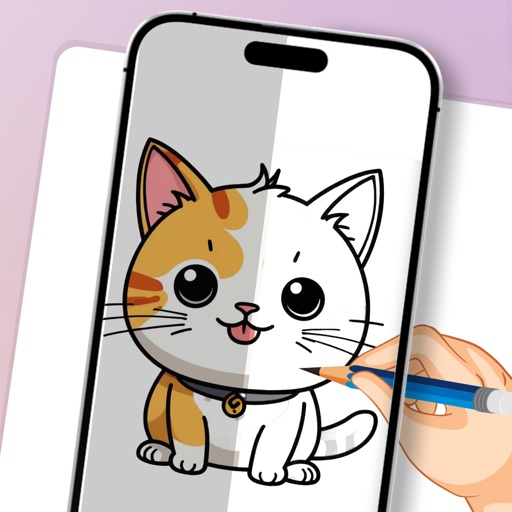
Use phone camera to project anime-style templates onto paper or surfaces. Trace outlines to create art. Adjust lines and colors. Export drawings in various formats. Sync with digital tools for further editing.
Draw lines by turning dials or using directional buttons. Choose colors and line widths. Shake device to erase drawings. Create simple sketches in a retro style.
Create and customize digital art with drawing tools and brushes. Add text, shapes, and filters. Save artwork to a gallery and share via social media or email.
Create digital art with a variety of Procreate tailored for different styles and techniques. Adjust brush settings for pressure sensitivity and flow. Save and organize artwork in a digital gallery. Export creations in multiple file formats.
Learn to characters with structured tutorials and -by- guidance. Access hundreds of drawing images for practice. Identify and improve weak areas through visual examples. Follow lessons from basics to advanced techniques.
Create handwritten notes on iPad or iPhone. Import and annotate PDFs. Draw ink with finger, resize, recolor, and move doodles. Add text with customizable fonts, color, and alignment. Include shapes like arrows, polygons, and diagrams.
The app offers pixel art creation with basic drawing functions and layer support. It allows for animation with onionskin tracing and file sharing in multiple formats.
The app offers 240 levels of coloring with four drawing modes and 120 colors. It features elements highlighting and a gallery to view and save creations.
Create and edit sketches with intuitive tools and customizable color palettes. Export sketches for use in other graphics software. Support multiple windows and dark mode for enhanced workflow.