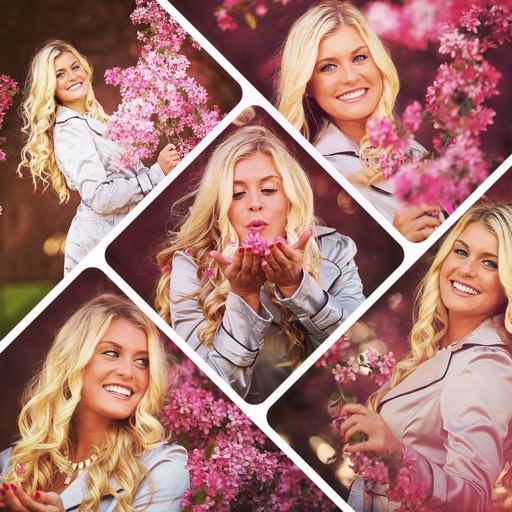
The app allows users to create collages on square backgrounds and add text. Users can choose backgrounds, add pictures, and modify text properties like font, size, color, transparency, and rotation.
The app creates unlimited collages with a single tap using a SmartSorting algorithm. Users can import photos, select modes, and apply various styles, text, backgrounds, filters, and stickers.
Edit photos with crop, rotate, exposure, color, sharpness, and resize tools. Create grid collages and edit individual images. Access presets, clone tool, and fine curve adjustments for detailed edits. Export and share edited photos directly.
Create collages by combining up to 9 photos. Select from 200+ templates and customize them. Adjust borders and corners. Apply 29 filter effects. Add watermarks to protect photos. Use 3D Touch for enhanced interaction.
Create collages by combining photos into -shaped frames. Apply filters and adjust colors. Share collages directly or save in various formats. Organize memories in a single album.
Create collages with customizable grids and multiple layout options. Add photos by selecting from camera or gallery. Adjust images using zoom and touch gestures. Change background colors or themes. Save or share collages through social media apps.
Create a collage of your top posts from a selected year or date range. Choose from different layout options. Share the collage as a single post. View and relive past moments through curated photo selections.
Take selfies with a live beauty and apply custom filters. Create collages in 18 styles with masks and frames. Add spiral or neon effects to photos. Enhance and save library images. Capture selfies with a timer.
Create photo collages by combining 2 to 9 images into one. Adjust size, position, and layout. Choose from various templates and styles. Add stickers, frames, effects, and patterns. Share finished collages directly.
Create collages by combining photos and videos. Generate AI-powered videos from text or images. Edit clips with trimming, filters, and transitions. Export videos for Instagram, TikTok, YouTube, Facebook, and Pinterest.
Create grids using templates like 3x3, 3x4, and 3x5. Edit images with brightness adjustments and add accessories. Share grids directly to Instagram and other social media platforms.
Decorate home screen with interactive widgets. Display photos in sorted order or create collages. Add multiple photos at once and rearrange them. Supports transparent and iOS 18 lock screen widgets. Choose from various sizes and refresh intervals.
Edit photos using aesthetic filters and popular effects. Apply stylish templates and create rich collages. Enhance images with easy-to-use tools and share directly to social media.
Create collages by combining multiple photos using various frame patterns and grid layouts. Apply over 1100 design styles to individual images or collages. Share finished creations directly from the .
Create collages with customizable Polaroid, SCRL-style scroll, and grid layouts. Choose from modern, vintage, minimal, and film-style . Adjust colors, borders, and text. Export with transparent backgrounds and share directly.