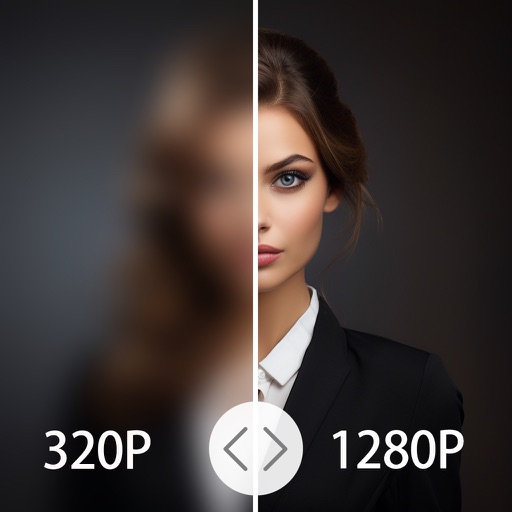
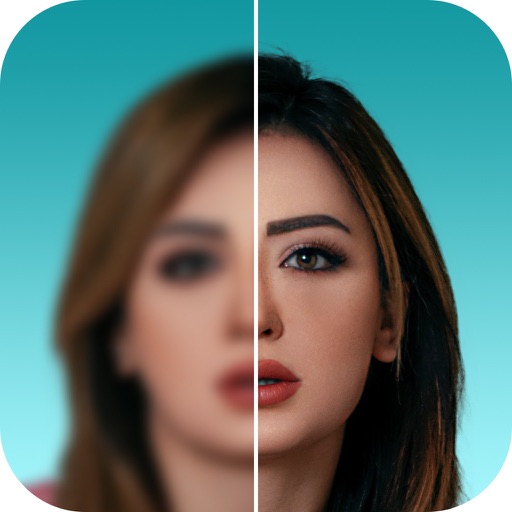
AI Photo automatically detects, sorts, and removes duplicates and clutter from the photo library. Swipe left to delete unwanted photos. Organize and enhance images for a polished look. Free up storage space efficiently.
Enhance quality with advanced algorithms to sharpen and clarify images. Adjust colors and brightness. Apply filters and effects. Edit multiple photos in batches. Share edited photos directly to social media.
RAY INFORMATICS YAZILIM TEKNOLOJI MEDYA DANISMANLIK VE EGITIM TICARET LIMITED SIRKETI
Enhance, restore, and upscale photos
Edit photos with unblurring, enhancement, and upscaling tools. Restore damaged or faded images. Adjust clarity and sharpness. Save and share edited photos directly.
Edit photos and videos with AI retouch for detailed skin enhancement and blemish removal. Adjust lighting, color, and composition. Add text, stickers, and filters. Export in various formats and share directly.
Capture photos using Auto, Manual, RAW, Slow Shutter, and Macro modes. Apply built-in filters and adjust brightness, contrast, and saturation. Edit images with cropping, straightening, and exposure tools.
AI Photo improves blurry, old, or low-quality images using AI to remove blur and enhance details. Image restoration tools repair damaged photos. Facial analysis evaluates beauty with accuracy. Users can adjust brightness, contrast, and color.
And people from photos using AI-powered erasing. Edit images with AI expand, generative fill, and AI replace tools. Adjust backgrounds for a natural look. Export edited images in various formats.
Upscale low-resolution photos using on-device AI without uploading to the cloud. Enhance clarity, reduce grain, and improve details. Edit and save photos directly on the device without internet connection.
Edit photos with AI-powered clarity enhancement, blur reduction, and detail sharpening. Restore old images by removing scratches and colorizing faded areas. rtistic variations with different styles and filters.
Edit photos using contrast, saturation, and brightness tools. Apply free and custom filters. Share edited images to social media or save in high resolution. Collaborate with other photographers in a community workspace.
Edit photos with filters, cropping, and AI enhancements. Adjust colors and brightness. Add text, stickers, and overlays. Create collages and cards. Edit videos with trimming, transitions, and effects. logos, flyers, and social media content.
Edit photos with filters, cropping, and AI enhancements. Create AI-generated art and avatars from images. Convert photos into animated videos with motion and effects. Design custom layouts and export in various formats.
4x enhances image resolution by 200%, 400%, or 800%. It restores low-resolution faces using Face AI technology. It preserves details while enlarging images. Users can upload photos and apply restoration features.
Upscale photos to 200%, 400%, or 800% without quality loss. Repair pixelated and blurry images. Improve resolution and enhance details. Convert low-quality photos to HD. Apply AI-based enhancements for clearer, sharper results.