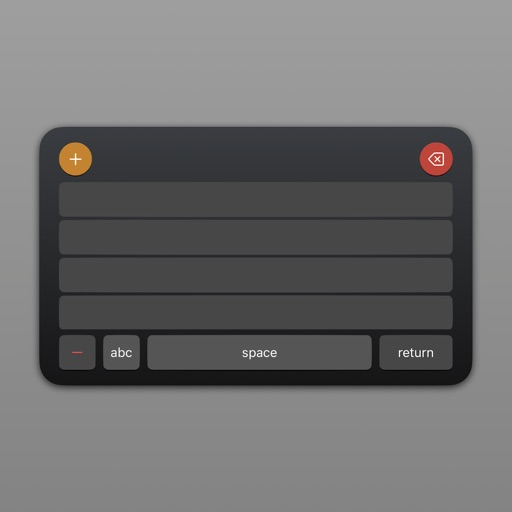
CPX offers an - keyboard for quick text insertion. Users can create custom templates for emails, social media, and messaging. The hold burst mode enables bulk message sending. Clipboard management allows efficient text organization and retrieval.
Transcribe from Apple Watch or iPhone with one tap. Works offline and stores transcription locally. Save audio and text files to iCloud Drive. Copy entries from the search bar. No recording limits.
Type text directly in any that accepts input using customizable fonts, symbols, and emojis. Install and use instantly without copy-pasting. Access a variety of font collections for creative text input.
Read and scroll text on-screen using voice commands or manual control. Adjust text size, font, and speed. Import scripts from files or copy-paste. Record audio and with live text overlay. Share finished videos directly to social media or email.
Capture ideas, grocery lists, and with one tap. View all in a non-listing layout for access. Type directly into without folders or categories. Export to other apps or devices.
Create and organize with text, titles, and automatic date stamps. Include interactive phone numbers, addresses, and links. Add up to six photos from the camera or photo library. Use a horizontal keyboard for easier typing.
Allows users to add text items and attach images or PDF files. Create folders to organize content. Customize a with personal notes and documents. Store content locally on the device or sync via iCloud across devices.
Organize and store data with customizable categories and templates for bank info, credit cards, and media. Secure data with passcode and theme customization. Share content via AirDrop, Mail, Messages, Twitter, or Facebook.