The app allows users to create photo images and collages from existing or new photographs. It offers various layouts, backgrounds, filters, decorations, text, and stickers for image customization.
Create collages by freely moving, scaling, and rotating photos. Arrange images without grids, templates, or filters. Add text and stickers manually. Export and share finished collages directly.
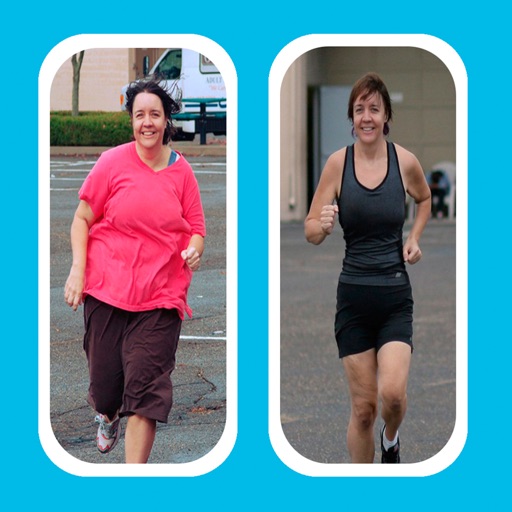
Create -and- photo collages by selecting from two types. Compare images of your body, face, home, or pets over time. Add fun and stylish frames to enhance the visual contrast between photos. Share the final directly.
Clean photos and manage privacy with on-device storage optimization. Delete duplicates, sort by date or tags, and remove unwanted files. Create custom home screen shortcuts for quick access. Securely organize personal content and control permissions.
Create photo collages by combining 2 to 9 images into one. Adjust size, position, and layout. Choose from various templates and styles. Add stickers, frames, effects, and patterns. Share finished collages directly.
Create collages by mixing and arranging photos, rotating, and moving them freely. Add text, stickers, and backgrounds with customizable fonts, sizes, and colors. Draw or write on photos using a doodle tool. Export and share finished collages.
Create collages using free layouts and grids. Add stickers, text, and backgrounds. Edit photos with cropping, flipping, and layering. Save and share finished collages or stories. Generate wallpapers from edited images.
Edit photos with filters, cropping, and brightness adjustments. Add text overlays for customization. Create collages by combining multiple images. Arrange photos in customizable grid layouts.
Edit photos with filters, contrast, brightness, and color adjustments. Add text, stickers, and drawing tools. Customize images and landscapes. Export in high quality. Access a free image library. Apply advanced editing features.
Create collages by combining up to 50 photos, including Live Photos, with simple taps. Choose from grid, seamless, waterfall, and Live layouts. Adjust borders, spacing, and ratios for customization. Export and share finished collages directly.