The app offers a simplified keyboard layout for children learning to read and write. It features lowercase key labels, optional color-coded vowels, and customizable fonts to support early literacy development without distractions.
Access special characters instantly with a custom . Choose from over 3000 organized by category. Search by name. Favorite for quick access. Sync favorites and recent across devices.
Customize iOS layout with drag-and-drop editing. Add or remove keys and rows. Adjust subkey timing and appearance. Assign actions to keys. Modify emoji row content and appearance.
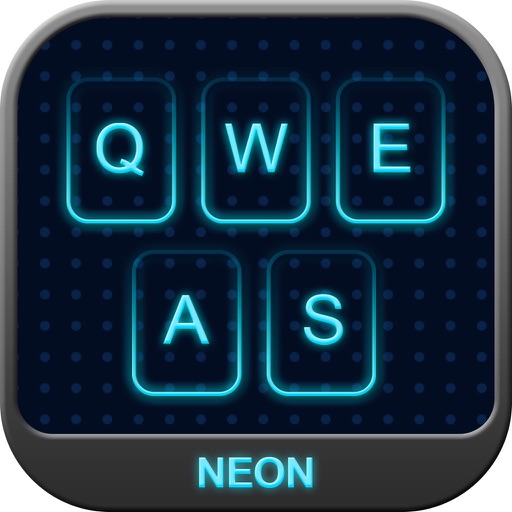
Add colors to your for a glowing effect. Choose from a wide range of colors. Customize key round corners. Adjust key positions to match the original layout. No full access required.
The app provides Hangul-typing keyboard layouts including ChunJiIn, Naratgul, and VEGA. Users can customize keyboard settings, add macros and symbols, and change fonts and colors.
Type in using an on-screen with predictive text and word suggestions. Translate text between and English in both directions. Speak translated text aloud using text-to-speech. Save and share translated text or screenshots.