Generate , random passwords with customizable length and character types. Create and save multiple passwords securely. Share passwords via copy-paste or email. Set expiration dates for entries.
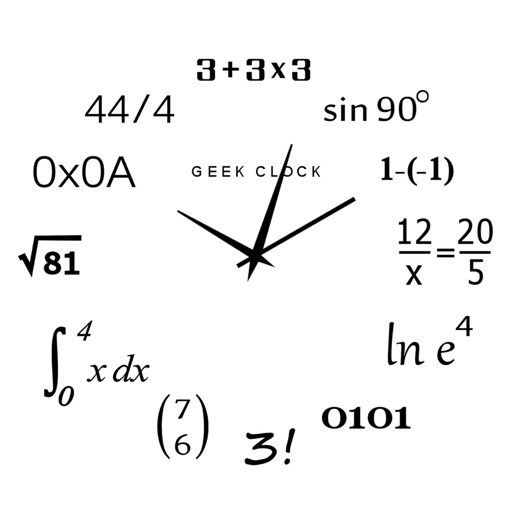
Display time using math problems instead of numerals. Switch between horizontal and vertical layouts. Toggle day and night themes. View animated quotes related to culture. Solve equations to reveal time.
The app provides a clean, professional interface for creating signs with customizable text, font size, and alignment. Users can choose between black-on-white or white-on-black displays, with options to hide controls for a clear view.
Display a with customizable colors and fonts. Toggle between 12-hour and 24-hour formats. Show seconds and date. Switch between dark and light modes. Rotate in landscape or portrait orientation.
Track players' on-field time with . Input team name and roster. Drag players on and off the field to log playing time. View real-time stats and substitution history. Sync with multiple teams and manage player positions.
Manage and control WLED devices on your local network. Organize devices into groups. Preview effects before applying. Use layouts for segment configurations. Automatically detect and split segments. Adjust brightness and colors.
The app offers a simple and intuitive interface for setting alarms by moving the alarm hand. Users can choose from 8 built-in alarm sounds or play music from their library, with alarms functioning even when the app is in the background.
Display current time with customizable including Swiss Federal Railways and Girl designs. Show location-based weather data and 4-day forecast. Set alarms and timers. Sync with system time and date.
The app offers multiple weekly repeating alarms with a dynamic interface. It includes a photo editor for morning bed head pictures and suggests optimal sleep times.
Create and manage to-do lists with controls and check-off functionality. Drag items to reorder, add or remove multiple entries at once. Save lists in local or cloud folders, sync across devices, and share for collaborative editing. Support dark mode.
Counting allows users to tap the screen to increment or decrement numbers. Features include four separate counters with customizable settings, automatic save, reset options, labeled entries, and switch between counting up and down.