The app connects to Mac or Windows computers from an iPad or iPhone. It supports multiple connections, various resolutions, and includes a trackpad for cursor movement and a keypad for modifier keys and shortcuts.
The app provides Noko Time Tracking access from a Mac menu bar. Users can manage timers with keyboard shortcuts or mouse input, and notes sync securely with Noko servers.
The app allows users to access their Windows PC from an iPad or iPhone. It offers features like a trackpad for mouse control, a modifier keypad, and pinch-to-zoom functionality.
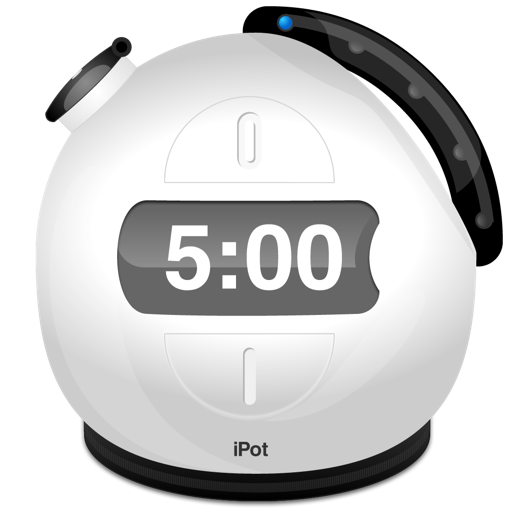
The app offers a customizable countdown timer with adjustable alarm sounds and volume. Users can change the pot size and select from various colorful skins for a visual experience.
Play calming mini to reduce stress and promote relaxation. Customize game settings, track progress, and access soothing visuals and sounds. Complete challenges to achieve mindfulness and focus.
Control audio-visual performances and interactive exhibits using mobile devices. Send commands via touch gestures or voice. Adjust parameters in real-time. Sync with external hardware and software systems. Share control inputs with multiple users.