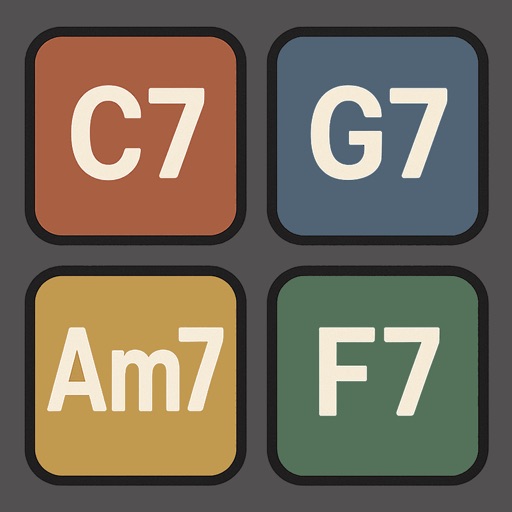
Provides chord charts and a chord selector for guitarists. It includes all 28 modes with visual representations of each mode’s unique shape. Users can explore and modes for practice and reference.
Learn music theory with lessons on seventh chords, embellishments, and secondary chords. Explore minor harmony, modes, and modal mixture. Access tactics used by artists like The Beatles and Michael Jackson.
Learn and practice musical with interactive ear training exercises. Identify intervals, chords, and progressions. Track progress and receive feedback. Sync with other devices via storage.
Practice chords with interactive diagrams and multiple finger placements. Learn chord progressions and build songs. Tune with built-in tuner. Record and playback practice sessions. Sync progress with cloud storage.
Create and compose music using a professional tool with MIDI control. Generate harmonic sound textures and cinematic tracks. Control VSTs, synthesizers, and sound modules. Visualize musical relationships and interact with geometric pitch space.
Practice ear training, sight reading, and music theory exercises. Set musical goals and track progress with detailed statistics. Focus on specific areas like intervals, chords, and rhythm. Challenge weak areas and invite friends to practice together.
Explore guitar with detailed fingering and audio examples. Search for by root or position. View suggested fingerings and fretboard diagrams. Play audio demos for each chord.
Access ukulele chords and tabs for popular songs. Search and download free, curated song archives. View chord charts and scales. Use a built-in tuner and chord namer. Support for standard and baritone tunings.
Create and customize chord sets using an internal library or random generation. Play chords with 8 groups of 16 pads or 2 groups of 64 pads. Generate MIDI controls on pad axes. Connect via MIDI and use as a standalone or AUv3 plug-in.
Learn harmony and voicings with interactive lessons and a library of chords and voicings. Use the Coach to visualize mallet positions. Create and export MIDI sequences. Play chords on vibraphone or keyboard instruments.
The app provides a tool for users to write and learn music. It offers a fretboard slider for chord positions and inversions, a strumming interface, and the ability to see chord structures.
Identify and name guitar chords in real time. Display chord diagrams and names. Share chord progressions and variations. Learn chord transitions and fingerings.
Create and edit MIDI sequences with step sequencing. Control tempo, patterns, and effects. Transpose, manipulate, and mutate patterns. Trigger performance options via MIDI keyboard. Export and share MIDI files.