Your to see how photos will appear in your grid before posting. Drag and drop images to rearrange them. Maintain a consistent style across your content.
by Osauhing Remintor★ 5.01 ratingsPhoto & VideoFreeData updated 2026-09-06
Edit photos with filters, , and cropping tools. Add text, stickers, and borders. Adjust brightness, contrast, and saturation. Export in various formats and share directly.
The app provides over 30 effects to make photos appear shiny and sparkly. Users can preview effects instantly and adjust transparency with an alpha slider.
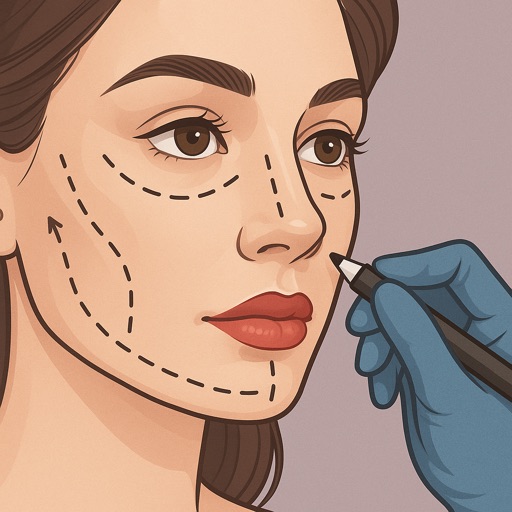
Preview fillers, Botox, rhinoplasty, facelifts, and jawline contouring using AI-generated images. Adjust details like shape and volume. Save and share results. Compare before-and-after views.
Edit photos and videos with overlays, vintage effects, and 100+ filters. Adjust lighting, add dust effects, and create custom presets. Export edited content for Instagram, TikTok, or Pinterest. Sync edits across devices.
Photos with one-tap AI enhancement for vibrant colors. Preview edits in real-time. Swap backgrounds with two taps. Use over 20 pro tools including filters, frames, and stickers. Crop and paste objects onto any backdrop quickly.
Create carousels and photo collages using AI tools and templates. Arrange images with drag-and-drop editing. Auto-align photos for seamless layouts. Apply aesthetic presets and customize designs. Export and share finished collages directly.