Customize home screen widgets with photos, event countdowns, weather, and music. Add actionable widgets to launch apps, run shortcuts, or send texts. Design layouts to display personal reminders and favorite content.
Manage tasks, lists, and calendars in one place. Create and color-code task lists. View bubble indicators for overdue, due, completed, and no due tasks. Share lists with others. Complete tasks and mark them as done.
Create and share group calendars for friends. Add events, set reminders, and invite others. View schedules in a colorful, interactive format. Sync across devices and receive notifications for upcoming plans.
Convert colors between HEX, RGB, RGBA, CMYK, Lab, and HSB formats. Use the picker to select and copy codes. Adjust values manually or through preset swatches. Export codes for use in design projects or coding.
Control smart lights with scheduling, scene setup, and voice integration. Adjust brightness, color, and temperature. Automate routines and manage multiple devices without a hub. Set wake-up schedules and customize lighting for different activities.
Create and manage personal calendars with handwritten and drawings. Color code events for organization. Drag and drop to reschedule. Add rich text entries via keyboard. Sync with Apple Pencil for precise input.
Plan daily and weekly schedules with a focus on days and weeks. Set habits, highlight important events, and mark memorable moments. Use “sometime this week” for flexible tasks.
Track daily habits and break bad ones with goal-setting features. Log progress with streaks and badges for motivation. View streak status, receive reminders, and adjust habits as needed. Sync across devices and set personal goals for improvement.
Create and manage calendars with customizable themes and layouts. Add events, set reminders, and sync across devices. Share calendars with friends and collaborate in real-time. Track tasks and deadlines with intuitive scheduling tools.
The app offers customizable calendar views including Day, Agenda, Mini Month, Month, and Year. It provides automations and templates to streamline scheduling, with features like drag-and-drop event movement and color categorization.
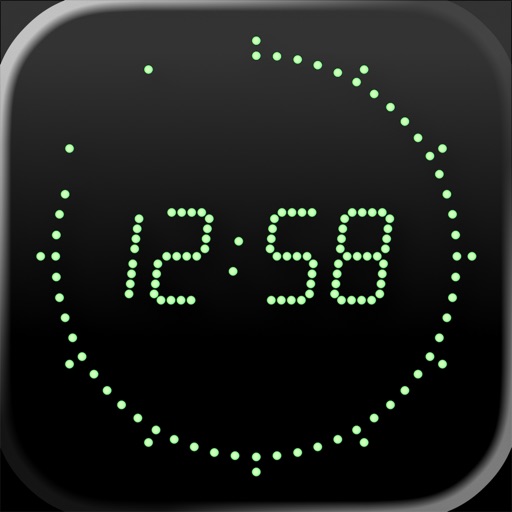
Displays current time with high precision using an internet time protocol to sync with an time server. Users can set time zones, adjust display settings, and view time in 12-hour or 24-hour format.
Manage schedules with a clean, intuitive interface. Sync with iCloud and Google Calendar. Share events with others. Customize font size and appearance. View daily, weekly, and monthly views. Set reminders for appointments.