Apps Like Animation Creator: FlipArt 2D for iPhone and iPad
Create animations and flip books
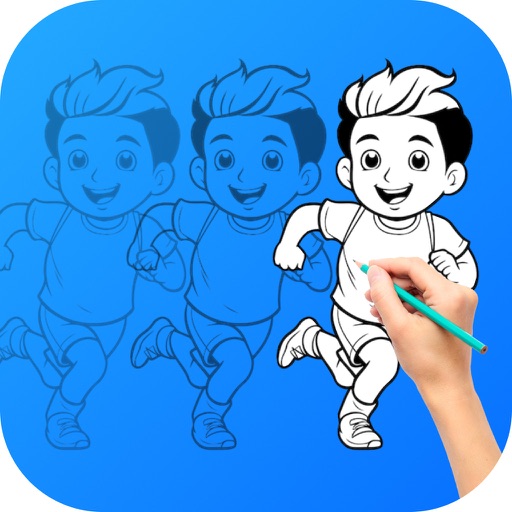
Create 2D animations and flip books with frame-by-frame drawing. Sketch and animate using intuitive tools. Add motion effects and export as videos or images. Share creations directly from the .
by Duc Tran Trung★ 5.01 ratingsGraphics & DesignFreeData updated 2026-09-06
Create animations using a drawing interface with tools for sketching and refining artwork. Import images or draw frames manually. Export animations as GIFs or videos. Share creations directly from the .
Create animations by drawing frames and applying motion effects. Use pre-designed templates to start projects. Export animations in video format and share via social media or email.
Animated movies using frame-by-frame . Import and edit vector graphics. Access tutorials for learning techniques. Export animations in various formats. Collaborate with others through community features. Adjust timing and add sound effects.
Create digital art with drawing and painting tools. Use a wide range of brushes and customize settings for precise control. Add motion with animation tools and motion paths. Utilize symmetry guides for balanced designs.
Create flipbook animations with frame-by-frame drawing. Use pressure-sensitive pen and eraser tools for artistic effects. Edit with undo/redo features. Add predefined animations and effects. Export and share finished projects.
Create and edit digital art with a wide range of brushes, materials, and fonts. Apply filters, screentones, and blending modes. Use rulers for symmetry and radial lines. Clip masks and record drawing sessions with stroke stabilization.
The app offers over 20 magical brushes for users of all ages to create doodle artwork. Users can save their paintings in a gallery, play them back as animations, and share them with others.
Create stories from text prompts using AI-generated visuals. Choose from styles like Cinematic and Anime. Edit and customize content. Export and share finished videos.
Create frame-by-frame animations from scratch or based on videos, images, or Photoshop layers. Export in multiple formats. Draw and animate directly on iPad or iPhone.
Create stories with customizable text using 400+ fonts in multiple languages. Add animations, backgrounds, and stickers. Edit text styles, colors, and layouts. Share content directly to , TikTok, Telegram, and other platforms.
Create animated photos by adding motion to selected elements. Choose animation styles, adjust timing, and export as video or GIF. Share directly to social media or save for later.
Explore interactive and activities with themed categories like animals, cars, dinosaurs, and fairies. Create custom drawings, choose colors, and save projects. Track progress and receive feedback to enhance creativity and cognitive skills.
Create animations using LEGO, clay, drawings, or everyday objects. Record frame-by-frame footage. Adjust timing, add sound effects, and export videos. Share directly to social media or email.
Create hand-drawn animations with a frame editor. Export to GIF, video, or PSD. Use onion-skinning for layering. Repeat frames for consistent motion. Share animations directly from the .
Create and share games using a simple yet powerful editor. Explore community-generated games, animations, and drawings. Comment, follow creators, compete for scores, and collect achievements. Access templates or remix existing games.