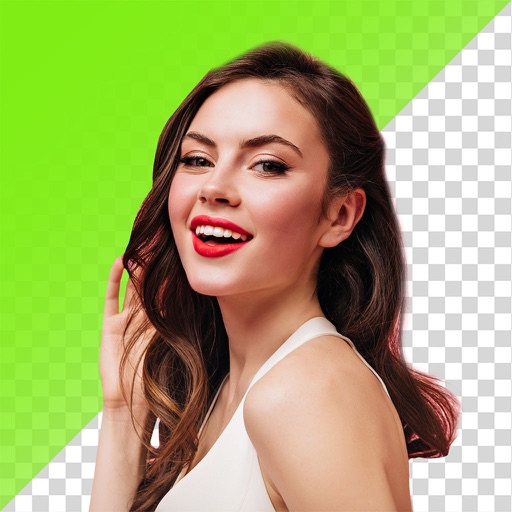
Backgrounds from photos using AI-powered detection. Edit portraits with specialized people recognition. backgrounds from product images with precise edge detection. Export edited images in high quality.
Edit photos by selecting images from the library and using an adjustable brush tool to mark areas for removal. The employs inpainting algorithms to seamlessly eliminate unwanted elements and blend the background.
Edit photos with filters, cropping, and adjustment tools. Add text, stickers, and borders. Create collages and share directly. Export in multiple formats. Sync with social media platforms.
Edit photos with motion , bokeh lens, and mosaic effects. Adjust brightness, contrast, and color. Crop images to various sizes. Share edited photos directly. Apply to the entire image, background, or specific faces.
Grisoft Yazilim ve Bilisim Hizmetleri Limited Sirketi
Edit photos, remove objects, adjust backgrounds
Edit photos with object removal, background erasing, and blur tools. Add stickers, neon lights, and colorful lines. Apply artistic effects and create black and white photos. Adjust backgrounds and highlight objects for professional results.
Select and edit photos from the album or camera. Use the lasso tool to draw a closed path for blurring. Adjust difficult areas with the Touch feature. Apply over 30 effects and fine-tune the selection.
Edit photos with single-tap effects and professional filters. Adjust brightness and contrast. Apply blur and focus tools. Enhance portraits with specialized filters. Export edited images in various formats.
Remove backgrounds using advanced tools like lasso cut out, erase, and unerase. Replace backgrounds with custom images or search for available options. Adjust image position, zoom, rotate, and crop for precise placement.
Edit photos with 25 tools and effects. Adjust brightness, contrast, and saturation. Save progress and undo changes. Share edited photos to social networks. Preserve EXIF data and edit geo-location. Export high-resolution images up to 3000x3000.
Edit photos by adding realistic scars, cuts, and bruises. Adjust transparency and blur for a lifelike appearance. Share modified images with friends and family.
The app allows users to change a monochromatic background into any image. It offers tools to manually remove backgrounds without a green screen and includes features like auto-enhance, drawing, stickers, text, and various photo effects.