Create still or animated drawings that flow and evolve. Use generative brushes for natural, responsive sketching. Design fluid artwork for backgrounds or sharing. Adjust brush settings for precise control. Export drawings in various formats.
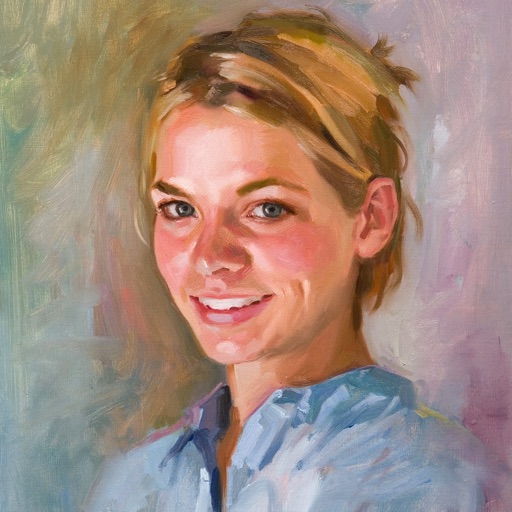
Create artwork using text prompts and style choices. Generate unique images in seconds. Explore various artistic styles. Save and share finished pieces. Edit and refine generated art.
Learn to with step-by-step tutorials covering gesture, anatomy, facial expressions, and techniques. Practice with different tools and styles. Track progress and revisit lessons for improvement.
Colorland allows children to color vibrant images featuring animals and vehicles. Users can navigate a magical castle environment to explore and create art. The provides over 140 pages for interactive drawing.
The app allows users to draw and write on their iPad, functioning as a notepad or blackboard. Users can add typed text, choose background colors, and save or share their creations via email or social media.
Allows children to draw using color selection, shape tools, and an eraser. It plays when drawing and includes a random color option. Users can change line thickness and save drawings.
Children can draw using step-by-step templates in cartoon and kawaii style. They can choose colors, add stickers, and save their artwork. The includes guided exercises and a safe, child-friendly interface.