Create and edit musical scores with multi-staff and multi-voice editors. Add notes and chords using the Pencil tool. Transpose sections with vertical drag. Use On-Screen piano for quick composition. Select and adjust elements with the Select tool.
Create and edit rhythms with 8 assignable pads and buttons for fills, intros, and endings. Play live sessions with MIDI controls. Synchronize with Ableton Link. Track and record rhythms.
Create evolving melodies and patterns using polyrhythms. nd control up to 8 sounds simultaneously. Store 16 project configurations. Use a sampler with envelopes, filters, loop crossfading, LFO, and more.
Look up Japanese and English words with interactive text and incremental search. Access over 150,000 entries and 100,000 example sentences. Save favorites in customizable categories. Search without an internet connection.
Discover new music and save songs to crates for offline access. Access curated playlists for DJs, charts, and trends across 40+ genres. Use loopers with hundreds of beats for turntablists. Sync crates between devices.
Perform complex calculations using RPN entry system. Access hyperbolic and inverse hyperbolic trig functions. Calculate probability, factorials, and percentages. Support absolute, integer, and fractional values. Generate random numbers.
Record and organize music ideas with auto-splitting into sections like verses and riffs using on-device AI. Tag key moments with emojis or notes for instant search. Transcribe lyrics via speech-to-text. Detect BPM for DAW compatibility.
Create and edit musical scores using Apple Pencil, finger, or stylus. Organize compositions in folders. Use templates or import custom paper. Share or print scores as PDF. Copy and paste sections for editing.
Manipulate audio by creating micro loops and scrubbing sound. Set loop points and adjust lengths. Reverse live audio. Rearrange audio in real time. Compatible with host apps like AUM and GarageBand.
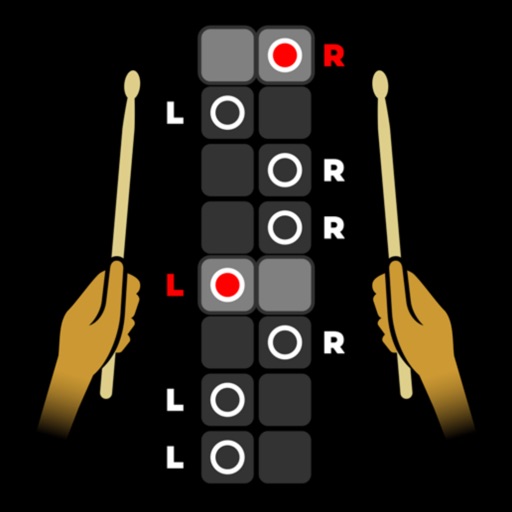
The app provides a resource for practicing and improving rhythm guitar skills. Users can practice strumming complex rhythm patterns and find grooves for songs.
Create and edit music using an analog synth with patching capabilities. Use a 16-step sequencer to arrange patterns. Tap to create drum parts with a six-part drum machine. Share compositions online via SoundCloud.
Create and manage drum kits by importing professionally recorded samples. Trigger samples via MIDI or built-in pattern editor. Sync tempo with DAW. Edit and sequence drum patterns. Build and organize custom drum kits.
Learn notes, key signatures, and intervals through interactive exercises. Practice ear training with pitch matching and interval identification. Track progress with detailed reports and customize sessions for individual learning needs.
Mix and perform live with a 2-deck DJ setup. Import and sort music by title, artist, album, BPM, or length. Apply real-time Pro-grade FXs and use over 70 one-shot samples and 12 loops. Access Soundcloud library for tracks.