Create and view interactive - patterns from XSD, XSP, PAT, and OXS files. Highlight and mark patterns for easy reference. Export patterns in format. Share patterns with other users. Track progress on embroidery projects.
Identify types by taking a photo of the surface. The uses AI to analyze the image and match it to known species. Users can view detailed information about each identified , including characteristics, uses, and sources.
Track patterns, organize collections, create custom categories
Organize sewing patterns and projects in one place. Browse and search your collection. Create custom categories and track purchased or made patterns. Add notes, photos, and links. Maintain project history and inspiration together.
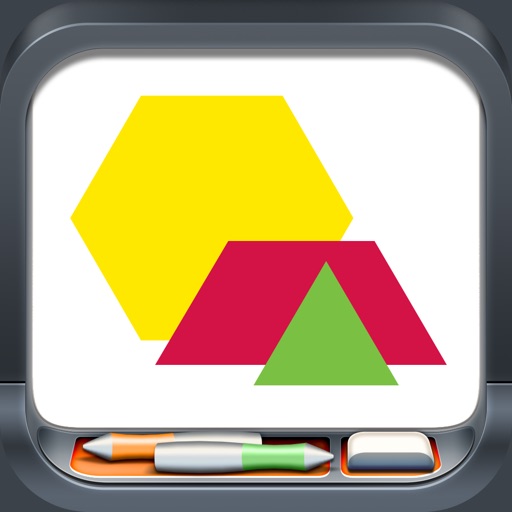
Explore geometric shapes including hexagons, trapezoids, parallelograms, and triangles. Manipulate pieces by dragging, copying, rotating, and flipping. Group shapes and use snapping features for precise alignment.
View cutting diagrams, parts lists, and bill of materials from your computer. Check boxes to track completed cuts, purchased materials, and finished parts. Only allows viewing of files created on the device.
Track projects, manage progress, and organize quilts
Track quilting projects with progress updates, note-taking, and photo storage. Organize UFOs, patterns, and completed tops. Search for project details and access stored images. Set reminders and view project timelines.
Create notes with titles and text. Include phone numbers, addresses, web links, and emails for interactive use. Add photos from the camera or photo library, view them fullscreen with zoom, and save multiple images per note.