Images using adjustable strength and soft/hard brushes. Remove stains and defects from photos. Enhance images with high-resolution editing and zoom. Apply focus to hide unwanted details. Offset wrist to avoid finger obstruction during editing.
Remove unwanted objects, people, or background elements from videos using AI. Select and track moving targets with dynamic tracking. Highlight areas with brush and outline tools. Clean fixed areas like logos or timestamps. Trim and merge segments.
, people, watermarks, and blemishes from photos with a tap. Use a smart to precisely delete elements without altering the background. Adjust edges and refine details for clean, seamless edits. Export edited images in high quality.
Edit photos with face and retouching tools including waist slimming, big butt correction, abs editing, and face symmetry. Adjust skin tone, teeth color, and hair style. Change clothing colors and remove objects.
Remove unwanted objects from photos using AI-powered detection. Select and erase elements with simple taps. Adjust edges and refine results manually. Export edited images in high quality. Share directly to social media or messaging apps.
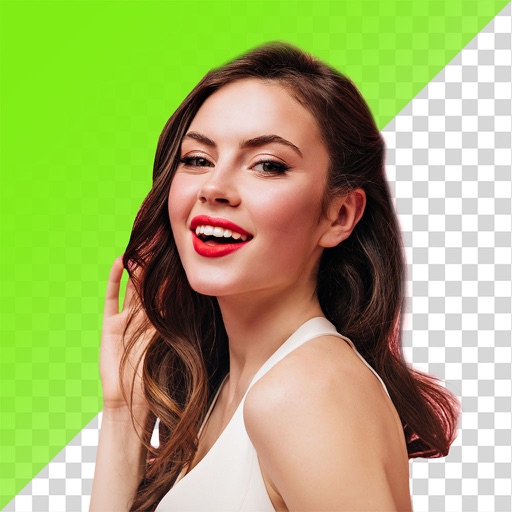
Photo backgrounds using AI-powered object recognition and automatic cutting. Edit images to create transparent backgrounds. Erase objects or elements with realistic results. Save and share edited images directly.
Edit photos with AI-powered enhancement, restoration, and colorization. Remove unwanted backgrounds and repair scratched images. Save and share edited photos in various formats.
Edit photos by selecting images from the library and using an adjustable brush tool to mark areas for removal. The employs inpainting algorithms to seamlessly eliminate unwanted elements and blend the background.
Remove unwanted objects, people, or imions from photos using AI-powered editing. Describe the elements to remove with natural language prompts. Edit images with precise object removal, adjust colors, and enhance details.