Add tattoos to photos using pre-designed elements like lines, lettering, hieroglyphs, animals, and flowers. Customize tattoos with editing tools to adjust size, position, and style. Create tattoos from personal images and export edited photos.
Generate AI art by inputting text descriptions and selecting art styles like oil or sketch. Create unique fantasy images in seconds. Access pre-designed templates for inspiration. Export and share generated artwork.
Create images from text prompts using AI. Edit and transform photos with customizable text-based adjustments. Remove unwanted elements with an eraser tool. Adjust colors, brightness, and contrast. Save and share edited images directly.
Draw on a using colored chalks with optional texture. Create unlimited blackboards with adjustable brush sizes and four background styles. Share drawings to Instagram.
Edit video streams with AI-powered enhancements. Blur unwanted gestures and improve video quality. Apply filters. Use as a for Zoom, Meet, Teams, OBS, and other video call software.
Turn photos into studio-quality images with AI enhancements. Create animations and face expressions. Apply artistic styles like 3D and sketch-to-realistic. rtistic emojis and animated faces from selfies. Export and share transformed images.
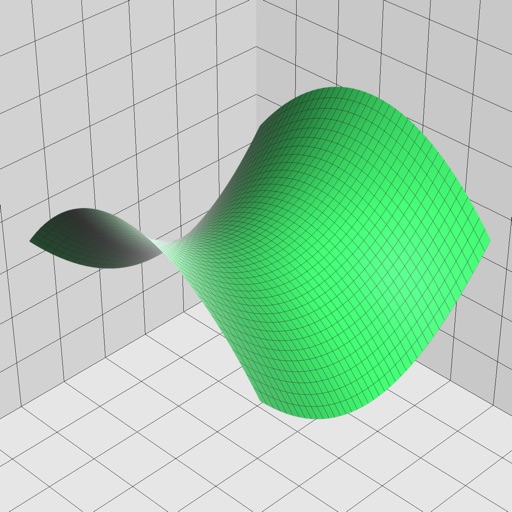
Enter and edit equations in mathematical notation. Visualize 2D and 3D graphs of explicit, implicit, and inequality equations. Adjust settings for display and analysis. Save and share calculations.
Create vector artwork on iPad with precise drawing tools. Align objects to grids, paths, or points. Scale and rotate multiple objects in real time. Use masks to cut out elements from artwork or photos. Position text at any angle or along paths.
Edit photos with AI-powered enhancements, smart cropping, and advanced filters. Remove objects, adjust colors, and generate artistic styles. Add text and stickers. Export in multiple formats and share directly.
Set device home screen backgrounds with HD and 4K . Choose from classic, inspirational, modern, and cool designs. Browse categories and collections for diverse options. Apply directly to the home screen.
View and edit DWG, DWF, DXF, and PDF files. Perform precise measurements with 8-digit accuracy. Add annotations and export drawings. Share files and access a large TTF font library. Print drawings directly.
Is a vector-based drawing tool for 2D CAD. Users can create lines, rectangles, ovals, arcs, polygons, and text. Freehand drawing with vectorization and spline tools is available. Objects have adjustable attributes.