Create using Steve and Alex models. Browse trending in the explore tab. Upload custom and edit them. Install packs directly to Minecraft Bedrock Edition and PC/Mac versions. Share with other players.
Create and edit images using AI-powered tools for generating, modifying, and enhancing visuals. Compose original and write songs with AI assistance. Edit photos with advanced filters and adjustments. Generate videos from images or audio.
The app allows users to place their photos on various mockups like billboards and magazine covers. Users can select a template, add a photo, and adjust its size, zoom, and rotation.
Create and edit crosshairs with various shapes, colors, and sizes. Save preferred designs for quick access. Preview crosshairs before use. Customize appearance for FPS games.
Visualize furniture and decor in your actual space using augmented reality. Create 3D models from photos with AI. View models from all angles in AR. Save and share designs.
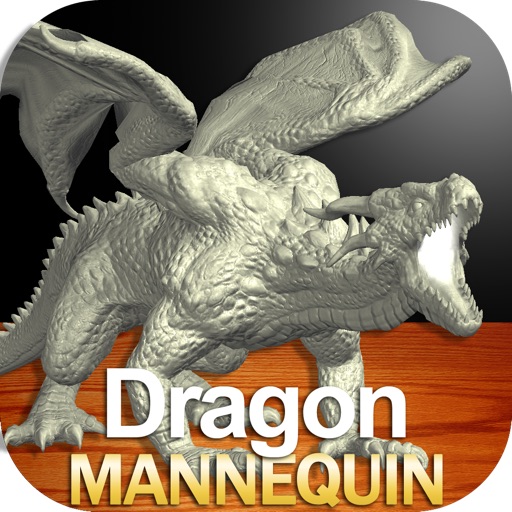
Draw a with poseable limbs and adjustable joints for custom poses. Use reference tools and skins to enhance detail and realism. Adjust camera angles and select backgrounds and platforms for accurate drawing.
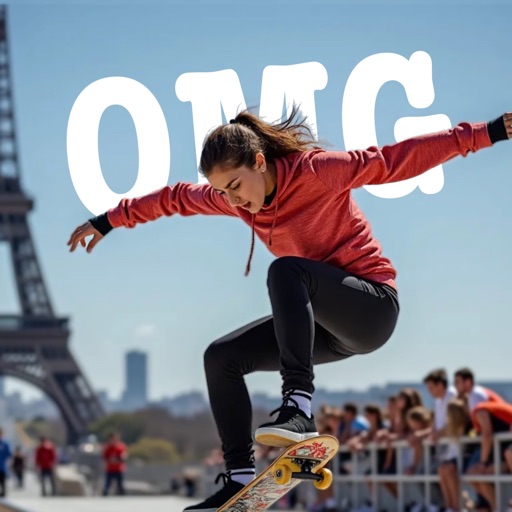
AI-powered placement allows users to embed objects in photos. Customize fonts, sizes, and colors. Adjust position and depth for professional-looking depth effects. Export edited images directly.
Create images by describing visual concepts. Generate photos, artwork, and graphics based on text input. Adjust style, color, and details through iterative edits. Save and share final outputs directly.
Add personalized watermarks to images with customizable text, logos, or signatures. Adjust size, opacity, and position for each . Apply watermarks to multiple files at once. Export watermarked images in various formats and share directly.
Create art using AI-powered drawing tools. Choose from various templates for 2D or 3D projects. Adjust settings for realistic photo-like results. Save and export artwork in different formats.