Combine multiple into a single long image by selecting and ordering them. images together automatically and save the result. Share the combined image directly from the .
by Dongwoo Lee★ 0.00 ratingsPhoto & VideoFreeData updated 2026-09-06
Allows users to compress and photos to reduce file sizes quickly. It supports direct compression on the device without uploading to external servers. Users can adjust compression settings for and photos.
Create videos by combining images or clips. Add background music from the or iTunes. Include special effects like confetti or snow. Insert GIFs from the 's library. Arrange photos into collages. Share finished videos directly.
Take screenshots and record screen videos instantly. Share them directly without needing additional apps. Edit and annotate screenshots with text and drawing tools. Save recordings in various formats for later use.
Clean files, organize storage, optimize performance
Photo & Video : Detect and remove duplicates, screenshots, and similar media to free up storage. Smart Storage Optimization: Identify large and unused files to reclaim space. Contacts Organizer: Merge duplicates and fix formatting issues.
Clean photos by removing duplicates and identical images. Organize private albums for privacy. Display battery and memory widgets. Include personalized cleaning animations.
Clean up storage with one-click file deletion and memory optimization. Categorize photos, compress videos, and convert to Live photos. Stitch multiple Live clips together. Manage files and free up space efficiently.
Create long drawings with customizable styles, text, and background colors. Edit photos using filters, stickers, and matting tools. Cut images into various layouts for sharing. Design custom stickers and save screenshots or tutorials.
Reverse allows users to find original sources of images using multiple engines. Users can from the share sheet without opening the . Features include searching with Google Images, Bing Visual , TinEye, and more.
APPAS SOLUTIONS, SOCIETATEA CU RASPUNDERE LIMITATA
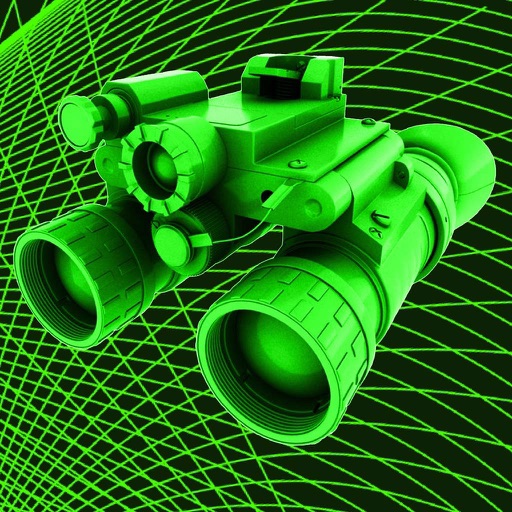
Capture low-light scenes with infrared and thermal
Take photos in low light using three modes. Capture infrared, X-ray, and thermal effects. Zoom in with binoculars and apply temperature effects. Adjust settings for optimal visibility in environments.
Create and explore evolving visual environments with touch interactions. Save screenshots, change colors with double taps, clear the screen by shaking, and customize shapes and modes through controls. Use personal photos to enhance creative play.
Blur image backgrounds to create effects. Select photos from gallery or capture new images. Apply multiple blurring tools to adjust blur intensity. Export edited photos to device storage.
Edit screenshots by adding device frames with customizable parameters. Adjust borders and shadows for a polished appearance. Save or share the enhanced screenshot directly.