The app provides graphic design and drawing tools for creating sophisticated projects. Users can design and collaborate anywhere, using photos, fonts, and shapes to create various graphics and art.
Choose a photo from your camera roll or take a new one, then apply effects automatically. Select from various styles, adjust positioning, zoom, and customize edits. Save and share the final .
Create AI-generated images, avatars, and logos from text or photos. Edit photos with advanced tools. Redesign home interiors using AI. vatars from uploaded images. Transform ideas into visuals with AI-powered design features.
Photos with AI-powered enhancements, lighting fixes, and upscaling. Add filters, stickers, and text. Crop and adjust images. Export in various formats and share directly.
The app provides fisheye photo and video capture with live preview. Users can add vintage film looks, colorful ring flash effects, and a GPS watermark to document captured moments.
Apply realistic filters for vintage tones. Add grain and scratches for authentic texture. Adjust exposure and contrast for -like lighting. Export in high resolution and share directly.
Edit photos and videos with filters, effects, and frames. Crop, adjust brightness and contrast, and add text. Share edited content directly with friends.
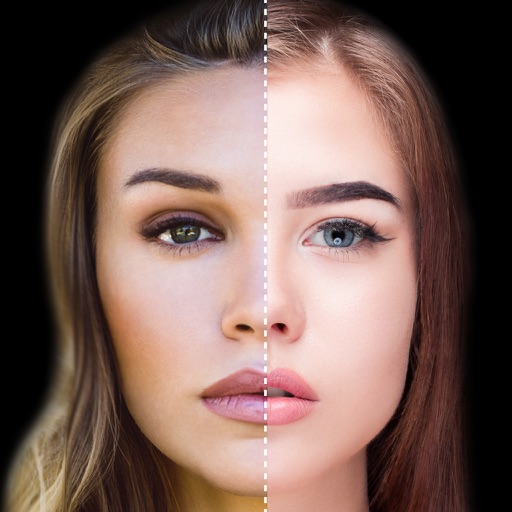
Find lookalikes using AI. Create collages with gradient face-to-face effects. Share with hashtag #looklikeme. Transform photos into art with AI styles. Upscale images for better clarity. No photo storage.
Edit photos by adding speech bubbles with 15 styles and customizable colors and fonts. Create collages with comicbook-style layouts. Share photos directly from the . Drag, rotate, and pinch elements for editing.
Create collages by merging up to 20 photos with frames, stickers, and text. Adjust borders, add pattern backgrounds, and use shapes for flyers and posters. Share creations on Facebook, Instagram, and other social media.
Apply real-time or post-processing effects like VHS, , CRT, and chromatic distortion to photos and videos. Adjust flickering overlays and vintage shaders. Export edited content in various formats and share directly.
Adjust intensity and direction to shape mood and depth. Add glow, rays, and atmospheric color. Refine shadows and highlights with precision tools. Export edited photos in high quality.
Edit photos by selecting from a gallery or capturing new images. Apply unique and not found elsewhere. Adjust background colors and photo size. Combine multiple with a single tap. Export and share edited photos.
Create social media posts, flyers, collages, logos, and wallpapers with drag-and-drop tools. Use pre-designed templates for Instagram, Facebook, and phone wallpapers. Add text, images, and graphics.
Edit photos by applying AI-generated filters and effects. Choose from various styles and presets. Process images automatically for polished results. Share edited photos directly.
Chengdu Everimaging Science and Technology Co., Ltd
Rt from text or photos
Upload photos to convert into cartoon avatars with one click. Use AI art from text to create unique paintings and drawings instantly. Apply AI filters to transform photos into artworks styled like Van Gogh, Monet, or Picasso.
Create videos from images or text with realistic animations. Generate AI art and edit photos with advanced tools. Export and share content directly to social platforms.