Explore cultural landmarks with detailed audio guides and video content. Scan artworks to identify them and access historical context. Book tickets, view maps, and plan visits to museums and galleries.
Teachers can upload and manage student artwork projects, view school art galleries, and organize student rosters. Students can submit photos of their artwork to an online gallery.
Learn to with guided lessons, text, voice, and video instructions. Access 1000+ tutorials across all skill levels. Follow personalized learning paths. Use Apple Pencil for . Track progress with structured lessons.
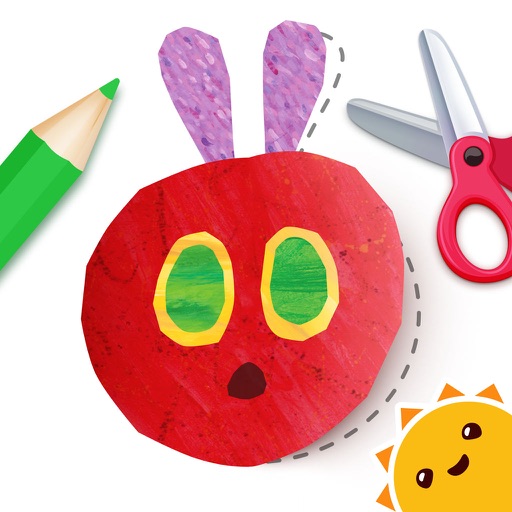
Children can create art by dragging and dropping colorful shapes. They can mix colors, apply textures, and draw freely. The includes interactive stories and songs based on Eric Carle's artwork. Users can save and share their creations.
Explore paintings, save wallpapers, search by color
Access public-domain art including paintings, drawings, and illustrations. View curated masterpieces and save HD wallpapers. Upgrade for unlimited high-resolution downloads and advanced color/style search filters.
Use your phone camera to draw on any surface. Access templates for animals, cars, and nature. Utilize the built-in flashlight for better visibility. Share completed drawings with friends. Create art using augmented reality technology.
Create digital art by drawing, sketching, or painting with customizable colors and brush settings. Import photos to edit or draw over them. Add text with various fonts and editing options.
Explore augmented reality art experiences featuring works by Van Gogh, Pissarro, and Degas. View brushstrokes, color palettes, and hidden details. Learn about each artist’s biography, techniques, and influences.