Create vector artwork on iPad with precise drawing tools. Align objects to grids, paths, or points. Scale and rotate multiple objects in real time. Use masks to cut out elements from artwork or photos. Position text at any angle or along paths.
Edit photos with background removal, cropping, and resizing tools. Adjust brightness, contrast, and color. Choose from and ID photo templates. Preview and export in required formats. Share directly or save for later.
Create expressive sketches, rich paintings, and detailed illustrations. Use hundreds of handmade brushes and an advanced layer system. Animate with the Valkyrie graphics engine. Edit and export artwork in multiple formats.
Create and edit photos and videos with text, stickers, logos, and elements. Add Arabic and English language support. posts, ads, event invitations, and animated stories. Sync with Apple Health.
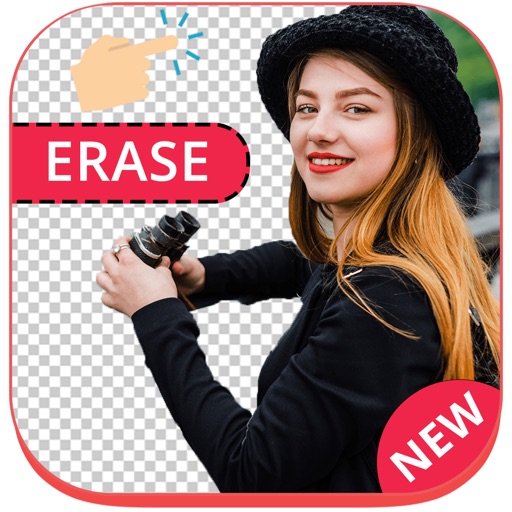
Edit photos by adding layers, backgrounds, patterns, colors, shapes, stickers, and text. Cut out people and modify backgrounds with one touch. Erase layer contents using an eraser brush. Create collages and artistic compositions.
The app provides graphic design and drawing tools for creating sophisticated projects. Users can design and collaborate anywhere, using photos, fonts, and shapes to create various graphics and art.
Draw and with customizable brushes and layers. Edit images with adjustment tools and filters. Import and export files in various formats. Use gesture controls for quick navigation and editing.
Create stickers using images from the internet, camera, or photo library. Edit with text, animations, and effects. Export in JPEG, PNG, or WEBP formats. Share stickers via WhatsApp, iMessage, Telegram, and other platforms.
Blurify allows users to specific areas of a or the entire background. They can select from various brush types and shapes to apply . Adjust the intensity using a slider. Pre-set effects can be applied for different styles.
The app allows users to combine photos using a layer blender, 100 filters, and 100 fx elements. Users can edit foreground masks and save images in full resolution.
The app uses live-calculated brushes and strokes with HDR values for a unique art style. It offers gritty paper/canvas textures that interact with drawing tools for a satisfying look.
Merge multiple photos into a single artwork by selecting and combining image sections. Remove or re-add parts using finger painting techniques. Adjust brush settings for precision.
Edit photos and images with advanced tools for retouching, layering, and painting. Create multi-layered art and designs. Adjust colors, contrast, and lighting. Export in various formats and share directly.