Automatically blurs faces, usernames, profile pictures, and sensitive text in screenshots. Users can share content across apps like iMessage, Instagram, WhatsApp, and Facebook while protecting privacy.
Take selfies with a live beauty and apply custom filters. Create collages in 18 styles with masks and frames. Add spiral or neon effects to photos. Enhance and save library images. Capture selfies with a timer.
Create portraits that reflect personal style with customizable and synthesis tools. Adjust images using blur, resize, and text overlay features. Share edited photos directly to Twitter.
Create slideshows with photo filters, transitions, and background music. Add text overlays and select from various templates. Export to Instagram, Facebook, YouTube, or email. Share directly or save as video files.
Create and share digital art customizable brushes, unlimited colors, and layer support. Zoom, pan, and adjust brush parameters. Rotate, mirror, and undo steps. Participate in challenges like tracing or completing others' drawings.
Create pixelated photos with customizable frames. Apply blur and black-and-white effects. Adjust touch controls for creative effects. Choose from available frames or customize your own. Export and share the final image.
Edit photos by tapping to add ink or decorations. Use face recognition or touch to place elements precisely. Resize, rotate, and adjust photos with two fingers. Save and share edited photos on social platforms.
The app allows users to obscure sensitive details in photos and videos. Users can blur or pixelate specific areas or faces, with options for automatic tracking and manual keyframes in videos.
The app removes EXIF metadata from multiple images. It strips camera, location, and technical information from batches of photos embedded by cameras or editing software.
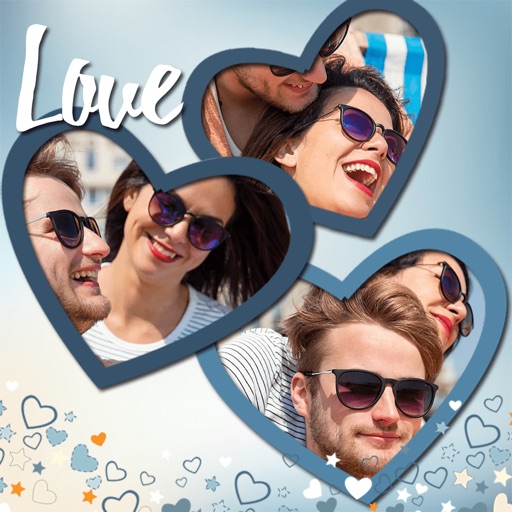
Create collages by combining multiple photos. Add romantic and text. Share collages via social media or messaging. Customize layouts and edit images within the .