Create custom characters by uploading photos and using AI to generate art images. Edit and enhance character designs with various tools. Share generated artwork directly with social media or email.
Upload photos to generate instant renovation ideas for rooms, houses, yards, or landscapes. Choose from modern, minimalist, rustic, and other styles. View high-quality, realistic suggestions for interiors and exteriors.
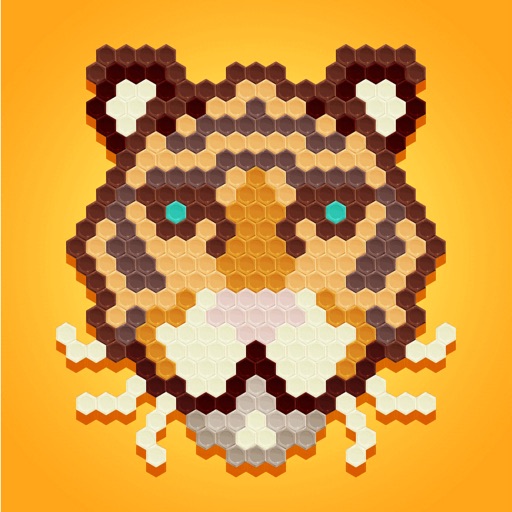
Hexagon boxes to create drawings using suggested colors. Select from various categories. Drag to neighboring boxes. Use a paint roller tool to fill areas. Features intuitive gestures and an elegant design.
Create animations using finger or Apple Pencil drawings. Access traditional tools like paint palette, auto-save, onion skin, brush, eraser, and frame controls. Duplicate, insert, and copy/paste frames. Export animations as MP4 files for sharing.
Create art by entering prompts and selecting styles. Generate images, paintings, and drawings in seconds. Export and share created artwork. Adjust details and refine outputs as needed.
Create and edit drawings using various tools like Pen, Line, Arrow, Rect (Stroke/Fill), Ellipse (Stroke/Fill), Eraser, and Text. Choose from multiple colors including Black, Red, Green, Blue, Yellow, and more. Save or share drawings directly.
Color images and blank pages for drawing. Use realistic painting tools. Zoom in and out easily. Watch video replays of drawings. Access a variety of pages. Express creativity through drawing and .
Edit photos with advanced filters, color adjustments, and mathematical transforms. Apply custom brushes and import Photoshop brushes, curves, and fonts. Repaint images and export in various formats. Share edited work on Instagram.