The app provides a web browser with download capabilities for various file types. It includes a file manager for organizing downloaded content and viewers for images, documents, audio, and video.
Sign PDFs and paper documents directly on iPhone. Draw or save styles for quick use. Import PDFs from iCloud, Files, or Photo Gallery. Scan paper documents into professional PDFs. Crop, rotate, reorder, or delete pages.
Calculate hashes for any string using MD2, MD4, MD5, SHA1, SHA224, SHA256, SHA384, SHA512, Whirlpool, CRC32, or Adler32. Copy results to clipboard or email them. Encode or decode data with Base32 or Base64.
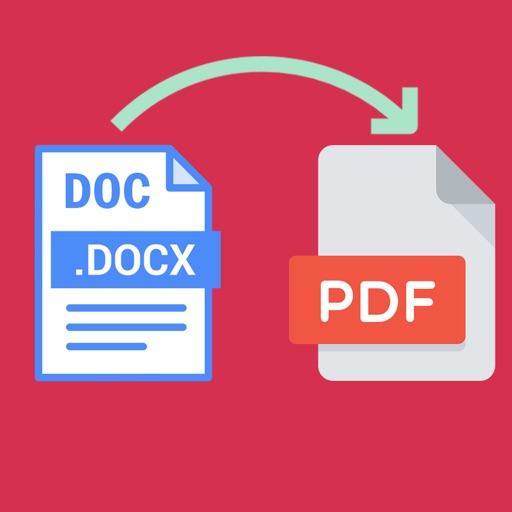
Word documents to PDF with full font support including Unicode, Indian, Arabic, Brazilian, and special fonts. Edit and view PDFs without font errors. Save and share converted files directly.
The app supports djvu and pdf formats with a visualization system for mobile devices. It offers elegant design, extended functionality, and high speed for working with large documents.
Turn your device into a document scanner with smart capture for multipage documents. Edit, , and share scanned files. Capture receipts, letters, invoices, and business cards with precise border detection. Enhance image clarity automatically.
Convert photos to PDF and vice versa. Create PDFs from images and other files. Edit and merge PDF documents. Export to Word, Excel, and other formats. Share converted files directly.
The app renames PDF and EPUB documents by extracting titles from metadata or content. It offers options for renaming, including keyword parsing, abbreviation, and whitespace replacement.
Extract files, manage archives, organize documents
Import files from storage or media and organize them. Open ZIP, 7z, and RAR archives with preview and selective extraction. Protect and unlock archives with passwords. Create new ZIP or 7z archives with adjustable settings.
The app allows users to view and edit DBF files. Users can search, filter, and reorder data, and export information to CSV, TXT, XLS, XLSX, and JSON formats.