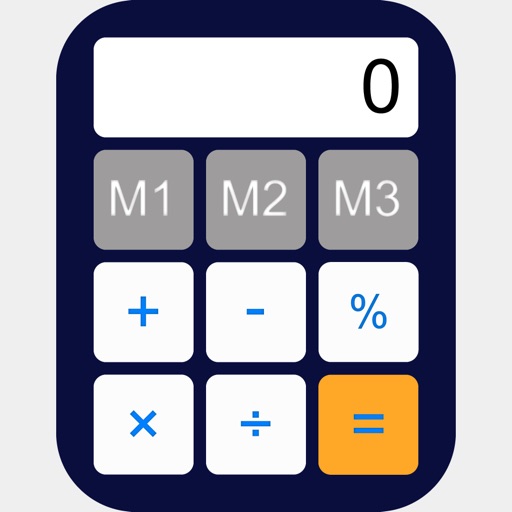
Store numbers, retrieve numbers, calculate results
Allows users to store and retrieve numbers using multiple slots. Tap a slot to save a number and tap again to recall it. Swipe up and tap Delete to clear a slot. Access 25 recent calculations for quick reference.
Solve equations, perform algebraic calculations, and graph functions. Support for multiple models including TI-83, TI-84, TI-89, Casio FX, and Sharp EL. Includes a scientific , fraction simplifier, and unit converter.
Games of X01, Cricket, and Around the Clock. Use voice scoring to input results. Challenge DartBot or SmartBot for AI opponents. Track performance and progress with detailed analytics. Play against friends or practice alone.
Control devices with touchpad, keyboard, and buttons
Control smart projector or soundbar using touchpad, virtual keyboard, and function buttons. Adjust settings, navigate menus, and manage device functions directly from the .
Perform calculations using reverse Polish notation. Swipe to undo or redo operations. Access a 100-entry stack and 6 memory buttons. View large, easy-to-read displays. Save state on exit. Supports scientific functions and multiple undo/redo levels.
Perform basic arithmetic operations, percentage calculations, and unit conversions. Switch between standard and engineering modes for advanced scientific functions. Adjust display settings and access history for repeated calculations.
Manage accounts and cards with real-time balance checks and transaction history. Sign documents digitally, convert and transfer funds, and track expenses. Access comprehensive financial data and control payments from a single interface.