Allows users to draw on their iPhone or iPad using 10 different pens, including ball pen, pencil, and brush. Users can create various line shapes and images. Drawings can be saved and shared directly from the device.
Allows users to draw grids over images for precise copying, scaling, and tracing. Features include adjustable sizes, reference image overlay, and zoom capabilities. Users can export drawings and share files directly.
Design with precision, edit vector graphics, create
Create illustrations, branding, logos, and UI/UX designs. Edit vector graphics and raster images. Apply filters, adjust colors, and add text. Export in multiple formats and share directly. Sync with desktop versions for seamless workflow.
The app provides users with the ability to draw on their device. Users can select from over 16 million colors with RGB selection and adjust brush thickness and color transparency.
Edit and convert PDFs with AI-powered tools. Chat with PDFs, translate documents, and detect grammar or AI-generated content. Summarize text, scan pages, and annotate files. Share and export in various formats.
Creative drawing tools allow users to draw, color, and design with brushes, textures, and shapes. Access a variety of pages featuring animals and educational themes. Erase, resize, and customize artwork. Save and share completed drawings.
Enables users to ask questions and receive instant, accurate responses using advanced natural language processing. It provides solutions, creative ideas, and task assistance through intelligent AI.
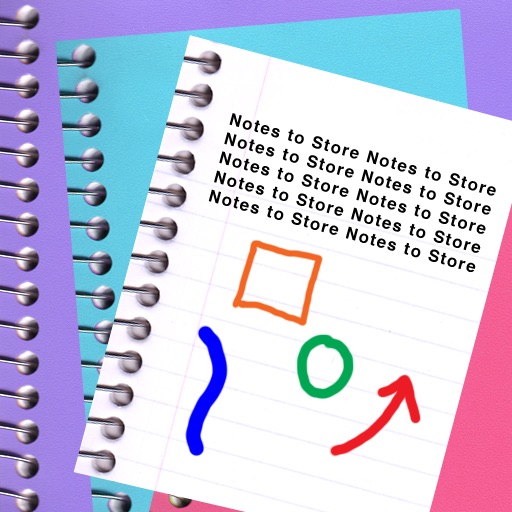
The app enables users to create multimedia notebooks with unlimited pages for text, sketches, and photos. It offers customization options for appearance, fonts, and backgrounds, with searchable content and export capabilities.
Create and refine sketches and designs with layering and scaling features. Add symbols, text, and dimensions. Import images or plans to set scale. Zoom without quality loss. Rotate elements or the entire drawing.