Adjust song speed and pitch in real-time without affecting each other. Browse music library with artwork and customize playback settings. Control tempo and pitch adjustments for personalized listening.
by David Ibrahim★ 5.01 ratingsMusicFreeData updated 2026-09-06
The app allows users to simultaneously play music and listen to language learning audio. It offers features like speed listening, background playback, repeat, shuffle, and volume balance adjustment.
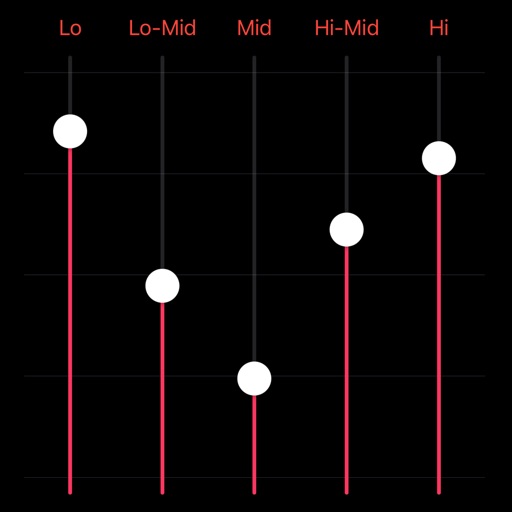
Manage playlists by adding, deleting, and organizing songs. Access multiple sources including YouTube, Apple , and cloud storage. Adjust sound quality with bass, treble, and equalizer settings. Play 100K radio stations.
Loop and rewind audio sections with precise control. Navigate tracks without accidental rewinds. Practice specific song parts without interrupting workflow. Adjust playback speed and jump to exact positions.
Allows users to tune instruments with a chromatic tuner that detects pitch quickly and tracks low notes. It displays LED and cent readings for precise tuning. Users can set reference tones for ear training.
Simulate musical instruments including Qanon, Oud, and strings with real sound. Play quarter flat scales and rhythms. Access chords specific to music. Switch between two common music scales. Adjust tuning and settings for different playing styles.
Create and customize sounds using waveforms or microphone input. Adjust filters and settings to modify audio. Use pre-designed sounds or build original ones. Save and share custom sound designs.
Music analyzes audio input to identify pitch names, track tonal context, and compute triads and keys in real time. Displays 3D visualizations of musical elements like chords and keys.