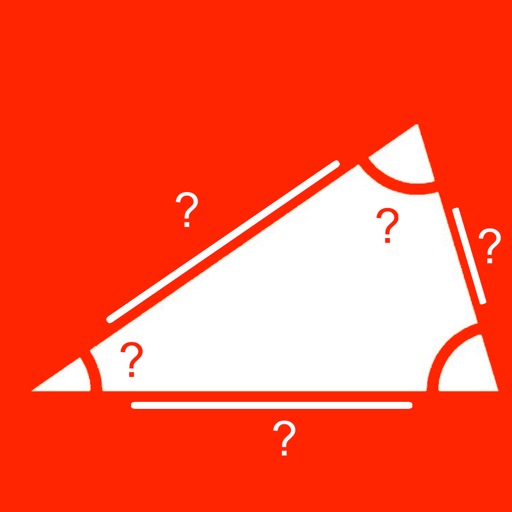
Offers visual explaining mathematical concepts. Users can view short, focused explanations of basic principles. Teachers can use it in classrooms to demonstrate topics. Students can explore visual representations of ideas.
Measure angles between two surfaces using accelerometer and gyroscope. Determine angles between lines on a plane by aligning device edges. Display measurements in degrees. Switch between protractor and finder modes.
Displays music libraries with Cover view across devices. Users can download missing artwork and track information from the internet. Syncs with Apple Music and supports drag-and-drop playlist management.
Calculate dimensions, convert units, and perform angle and rafter measurements. Estimate material quantities and layout stairs. Input measurements for precise calculations. Save and reuse formulas for repeated tasks.
Calculate trigonometric values for the by inputting radians or angles. Display step-by-step solutions and support negative numbers, decimals, and fractions. Save calculations in history and share results.
Calculate risers, run, angle, length, step height, tread depth, and number of steps. Adjust parameters for customization. Switch between Imperial and Metric units. Email or text results as needed.
Allows users to perform precise calculations with measurements. It tracks errors in fractions and displays rounding discrepancies. Users can switch between decimal and fractional formats. The helps manage layout errors in woodworking projects.
Solve math exercises with step-by-step guidance. Check calculations for accuracy. Receive instant feedback on answers. Share solutions via email or messaging.
Point your smartphone at the night sky to identify constellations, stars, and satellites. AR overlays display celestial names in real time. Swipe to navigate different directions. Receive alerts for ISS passes and meteor showers.
A and unit/currency with a clean interface. Convert between 500 units across 29 categories and 161 currencies. Customize colors and display selected units. Enter values to instantly convert between units.
Simulation lets users trace the screen to control movement. Users can switch to a perspective view for an immersive experience. Adjust viewpoints and draw tracks from different angles. Explore maps and change modes for varied perspectives.
Calculate cutting speed and feed for CNC milling and turning by selecting work and tool materials. Recommend chip-load and cutting depth. Supports chip thinning and HSM machining. Suggests optimal parameters to balance tool life and efficiency.