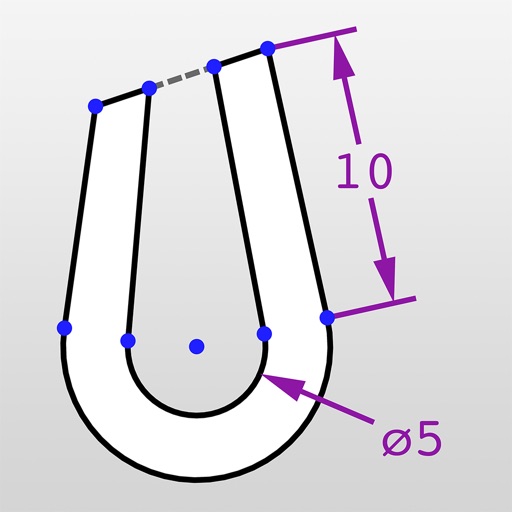
Learn geometric using compass, pencil, and straightedge. Watch animated demonstrations to understand steps. Practice by creating yourself. The checks your work and confirms accuracy. Smart snapping aligns objects automatically.
Calculate of geometric shapes including square, rectangle, parallelogram, triangle, trapezium, rhombus, and circle. Choose from multiple calculation methods. Input dimensions and receive results. Save and share calculations.
Move blocks to fill the board. Drag and position pieces to complete puzzles. No rotation allowed. Solve logic challenges to progress. Improve problem-solving skills through gameplay.
Helps calculate mold angles for precise cuts. Users input spring angle and other measurements to determine bevel and miter angles. The provides visual guides for setting up compound miter saws. Includes diagrams for accurate positioning during cuts.
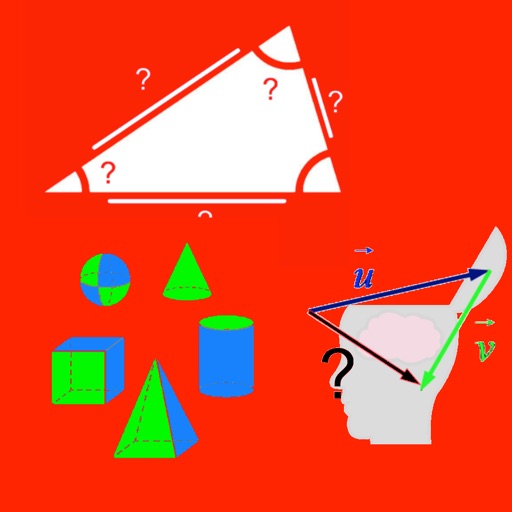
TriangleCalc calculates triangle side lengths and angles by entering two values. Automatically computes remaining sides and angles. Displays results in clear numerical format. Supports basic trigonometric calculations for triangles.
Read and annotate PDF documents with highlighting, handwriting, and text insertion. Sign and fill out forms directly. Manipulate pages and export files. Sync across devices for seamless access.
Calculate lengths, angles, and area of shapes. Select a shape from a list. Input values into text boxes linked to orange points. Adjust point positions using the NEXT button or tapping points.
The helps users find area, perimeter, and hypotenuse values for various shapes. It provides formulas for different figures. Users input dimensions and receive calculated results without needing to remember formulas or use trigonometry.
The app measures distance, area, and perimeter on a map using manual input or GPS tracking. It allows users to label, save, and share points in KML format, and check bearing and geo-coordinates.
Rooms using augmented reality with a virtual ruler for precise distance and area calculations. Create 3D floor plans from scans. Save and share measurements. Sync with other devices for collaborative planning.
Measure real-world objects using AR technology and a phone's camera. Calculate length, height, area, volume, and angles. Estimate distances and track measurements with a digital . Share results and save measurements for future reference.
Perform calculations with feet, inches, and fractional inches. Add, subtract, multiply, divide, and compute roots or powers. Scale drawings using the scaling feature. Convert and manage measurements directly within the .
Calculate unknown parameters for right triangles, rectangles, squares, circles, and regular polygons. Input known measurements to solve for missing values. Display shapes with accurate dimensions and angles.
View 3D STL files with support for ASCII and binary formats. Load models from ZIP files. Rotate, pan, and zoom for graphic manipulation. Switch between orthogonal and perspective views.