Edit photos to full size on Instagram . Stretch edge pixels to fill gaps. Choose from blur, mosaic, color, and pattern backgrounds. Take photos directly or import from gallery.
Using AI to create depth in photos. Upload images from the camera roll. Select or mode. Apply customizable effects including default, radius, motion, zoom, box, surface, and bokeh. Adjust settings for precise results. Export edited photos directly.
Edit photos with depth-based bokeh effect for professional portrait blur. Restore old or damaged images with enhanced clarity. Remove unwanted objects from photos. Adjust colors, brightness, and contrast. Export edited photos in various formats.
Create personalized wallpapers by selecting colors from color circles. Customize with rotation, shift, blur, filter, and randomize options. Choose from preset gradients or custom color combinations. Preview full-sized and save the design.
Allows users to shoot photos and videos with 30+ simulated cameras, each replicating the color and texture of classic cameras. Users can apply unique styles to existing media or shoot directly.
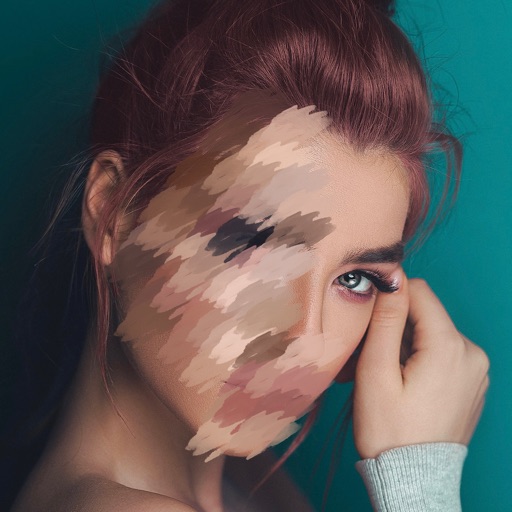
Blur faces automatically using facial recognition. Add blur, solid color, or emoji to hide faces. Resize and reshape blur regions. Adjust color and effects. Share edited images to photo library and other apps.
Allows users to photos using AI to separate subjects from backgrounds. Apply motion or censor sensitive areas. Adjust intensity and export edited images.
Post photos and videos without cropping for Instagram. Add blur backgrounds automatically. Resize, rotate, and zoom content within the square. Apply effects, filters, stickers, and text. Select no layouts. Support 1080P video. Save in high quality.