Remove unwanted objects, people, or imions from photos using AI-powered editing. Describe the elements to remove with natural language prompts. Edit images with precise object removal, adjust colors, and enhance details.
Create and edit images using AI-generated art and editing tools. Transform text into images with AI. Adjust colors, crop, and apply filters. Save and share edited images directly.
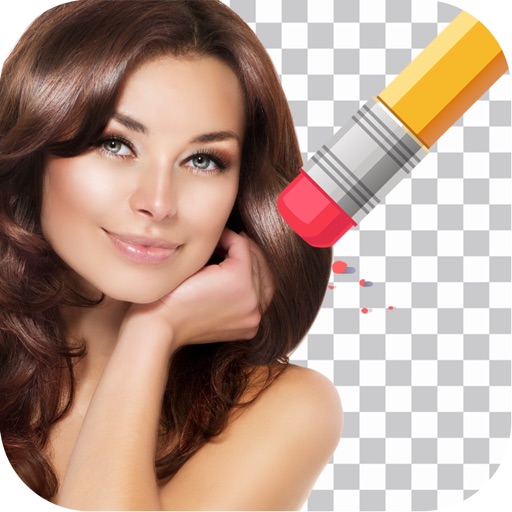
Remove backgrounds from photos by tapping areas to erase. Automatically or manually adjust transparency. Save edited images in HD quality. Export and share edited photos directly.
Remove backgrounds from images using AI technology. Adjust and replace backgrounds with white or custom colors. Export edited images in various formats. Share directly from the .
Cut photos with AI to remove backgrounds and isolate subjects. them onto new backgrounds or other images. Swap faces between photos and add missing people to family shots. Create collages by combining multiple images.
Edit photos with cartoon-style anime filters and portrait transformations. Colorize black-and-white images using AI. Remove or replace backgrounds with one tap. Enhance skin tone and texture with AI-powered retouching.
Remove photo backgrounds with one tap using automatic analysis or manual tracing. Overlay multiple images with transparency options. Adjust and export edited photos directly.
Edit photos with skin retouch tools to remove blemishes and enhance texture. Adjust for eyes, lips, cheeks, and brows. Change hair color using a salon-style tool. Edit body shape with a body tuner. Apply selfie filters and save edited images.
Edit photos with AI-powered one-tap tools and auto-collage features. Create collages and design layouts using professional templates. Apply artsy effects to turn photos into paintings, cartoons, or sketches.