The app provides 2D vector drawing and design for iPad and iPhone. It offers unique offset controls for precise finger-based editing and supports iCloud synchronization with its Mac version.
Plan daily tasks and set goals with a clean, customizable journal interface. Sync with Apple Calendar and iCloud. Use handwriting search, background removal, stickers, and instant frames for notes. Secure with Face/Touch ID.
Edit photos with AI-powered object removal and background blur. Generate from text using AI. Adjust colors, brightness, and contrast. Add filters and effects. Crop and resize . Share edited photos directly to social media.
Create interactive prototypes from sketches and wireframes. Tap to simulate navigation and user interactions. Share prototypes with others for feedback. for iPhone, iPad, and Apple Watch.
Create and edit digital artwork with wireless capabilities. Connect via Wi-Fi or USB. Use as a secondary display. Access gesture shortcuts for quick actions. Customize workspace layout and settings.
The app replaces the Mac desktop with a drawing surface for notes and sketches. Users can draw freely with multiple pens, add text, and export doodles in various formats.
Stores copied text, links, images, and files across Mac, iPhone, and iPad. Retrieve pasted content instantly from any device. Syncs history between devices. Reuse copied items without re-copying. Manage and search entries.
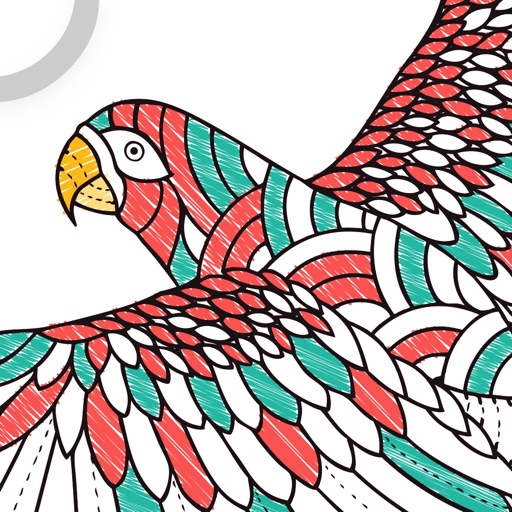
Color and draw with Millie Marotta's illustrations
Allows users to explore detailed illustrations of plants and animals. Choose from three themed packs. Use finger or Apple Pencil for drawing. Adjust colors and shades with specialized tools. Save and share completed artwork.