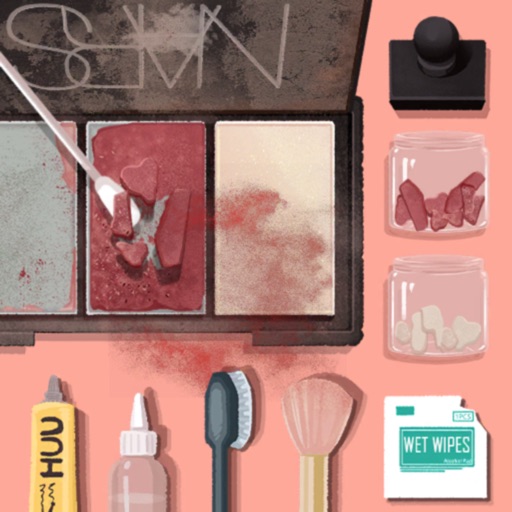
Create and organize items using simple materials. Decorate and customize items with detailed crafting tools. Relax with sounds while arranging and tidying up creations. Complete DIY projects and enjoy calming minigames.
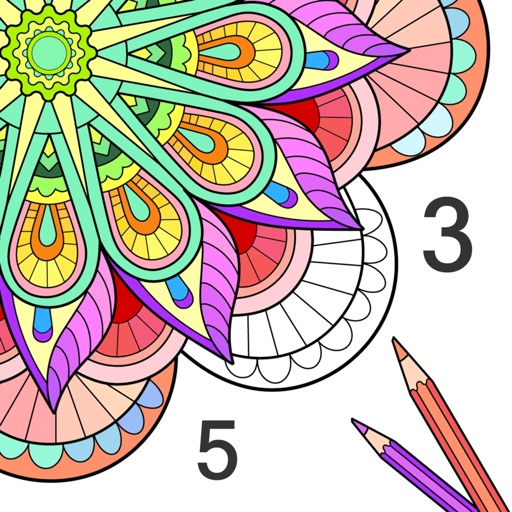
Games allow users to select color by number puzzles and images by tapping colors. Features include on pages, recoloring existing artwork, and saving progress. Users can access pixel art books and sketch freely without internet connection.
Guide a rolling ball through 3D environments by tilting to paint and blank spaces. Use one-touch rotation for gameplay. Solve puzzles with realistic physics and artistic expression. Transform monochrome levels into colored masterpieces.
Create and customize colorings with diverse characters and scenes. Choose from multiple color palettes. Save and share completed artwork. Access tutorial guides for techniques. Adjust brush size and pressure sensitivity.
Generate AI artwork by typing text prompts and selecting from various AI art styles. Create unique photos and videos instantly. Edit and share generated content directly.
Create digital art with 105 tools including pens, pencils, and brushes. Import and edit photos. Add text and rotate elements. Customize brush settings. Use customizable canvases. Save and share artwork.
Simulate from a swinging bucket with realistic physics. Adjust color and motion to create art. Use AR mode to project effects in real-world environments. Share artwork directly to social media.
Use AR to project drawings onto surfaces. and paint with customizable brushes and canvases. Save and share artwork. Adjust lighting and perspective for realistic effects. Import images to base sketches on.
Color images of characters and skins using bucket, pencil, brush, and eraser tools. Customize artwork with over 100 stickers. Access hundreds of images from the universe. Save and share completed colorings.