Create and manage palettes with support for multiple formats including HEX, RGB, HSL, and CMYK. Export colors as PNG or SVG. Save history and access a library. Organize projects and select colors from images, camera, or web.
Create and manage custom colors with precise RGB sliders and real-time preview. Generate HEX codes instantly. Access ready-to-use palettes. Copy colors in HEX, RGB, or HSB formats. Save favorites to a personal collection.
Select colors from real-world photos using a picker. Adjust circles to refine shades manually. Generate random combinations for creative exploration. Save and share favorite palettes.
Test with syntax highlighting and match visualization. Customize highlight colors and view results in a list. Perform replacements and choose from light or dark themes. Access a cheatsheet for operators and metacharacters.
Font size visualizer tool for developers using SwiftUI. Displays font sizes in a list with customization for design, weight, width, and dynamic sizing. Supports macOS with a menu bar extra for quick access during Xcode work.
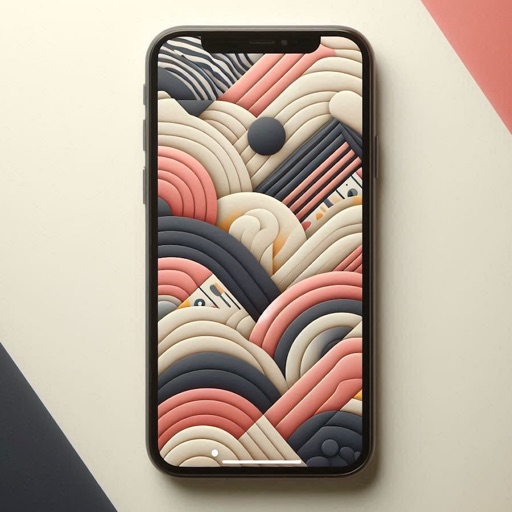
Create personalized wallpapers by selecting colors from color circles. Customize with rotation, shift, blur, filter, and randomize options. Choose from preset gradients or custom color combinations. Preview full-sized and save the design.
Watch video tutorials on iOS, Mac, and development. Download or stream episodes. Use iPad Picture-in-Picture and Multitasking features. Access past and current content for iOS developers.
The app generates UIColor or NSColor code from hex values or a color picker. Users can import colors from images, Photoshop, or the web into their codebase.