Measure areas and distances on maps by placing points and calculating the between them. Save and edit measurements. Switch between different units for distance and . Calculate total of a route or individual segments.
Calculator helps users compute offsets and rolling offsets for precise layout planning. Input measurements to calculate basic or advanced rolling angles. Generate detailed reports and save calculations for future reference.
Show information from images on your device. Import photos from the Photos or Adobe Creative Cloud with an Adobe account. Use the iOS extension to access images in Photos and other sharing apps. Pan, pinch, and zoom to view RGB values.
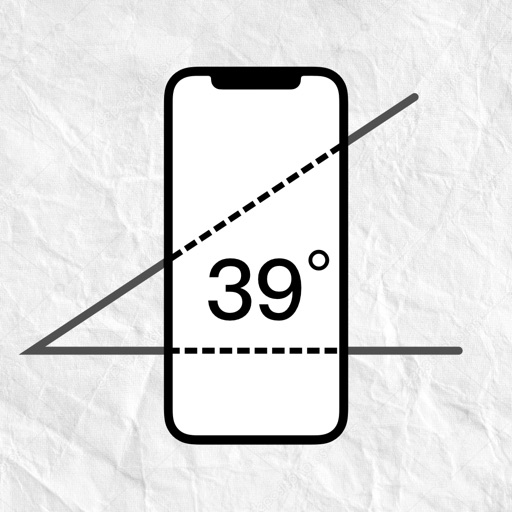
Measure angles of elevation, slope, and incline using device motion. Determine roll angles for vehicles and aircraft. Calculate roof pitch and antenna look angles. Align pictures and measure tape or chain slopes.
A chromatic that aligns two dots for accurate tuning. Works in landscape and portrait modes on iPhone and iPad. Includes an adjustable base frequency from 440Hz. Requires holding the mic close for silent instruments.
Performs basic and scientific calculations. View and share calculation history. Switch between landscape and portrait modes. Choose from customizable themes to personalize the interface.
Calculate shot groups and zero rifles with customizable units and target compatibility. Input shot data to analyze accuracy. Export results and share directly. Adjust MOA/MIL or INCH/CM settings.
The app provides live video stream viewing and control from cameras and video encoders. It supports multi-channel video encoding, authentication, and Pan, Tilt, and Zoom control.
Calculate pitches, angles, and rise/run ratios. Estimate decking, stair, stud wall, and concrete quantities and costs. Switch between US and metric units. Input measurements for precise material estimates. Export results for project planning.
Access airport information including runway details, facility data, and operational hours. Search by city, name, or code. Save favorite airports and set a home base for quick access. Browse airports by continent, country, and region.
Turn your Apple device into a showing seconds, date, and battery percentage. Customize the clock face with colors and display options. Supports portrait and landscape orientations for flexible use.
Measure angles by placing the device on the desired surface and adjusting two lines to align with the angle's sides. Display degrees in real time without needing photos or overhead placement.