Displays percentages for paint. Users take a photo, touch a point to identify the target , and view the required ratios of cyan, magenta, yellow, black, and white to achieve that . Provides a for plastic model painting.
Color matching for users with a NODE+ Sensor Device. Select and compare colors against custom colorsets. Export color codes and share results. Sync with Variable, Inc. colorsets for accurate matches.
Extract HEX and RGB values from images to create palettes. Save, share, and apply palettes across design projects. Analyze colors for accurate representation. Build personalized schemes for use in creative work.
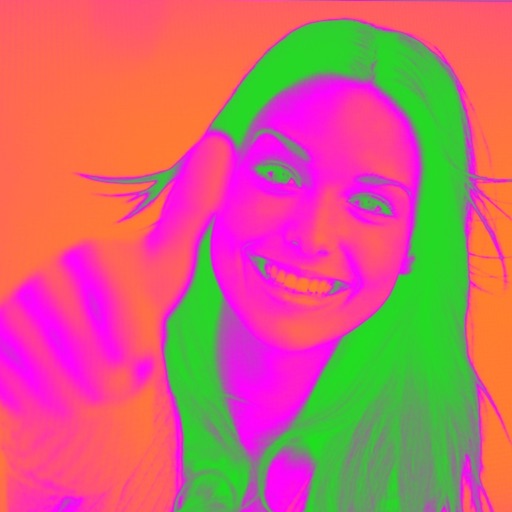
Turn your camera into a creative tool with . Apply fluorescent color filters to photos. Choose from 30 color combinations. Tap to switch views and capture images with unique color effects. Share edited photos directly.
Create and manage personal dictionaries with definitions, multiple meanings, phonetic transcriptions, and AI examples. Organize words by tags, difficulty, topic, or custom categories. Collaborate on shared dictionaries with others.
Test colors on walls using photos or palette selections. Apply color to home images for visual preview. Adjust color tones and brightness. Save and compare color options before purchasing .
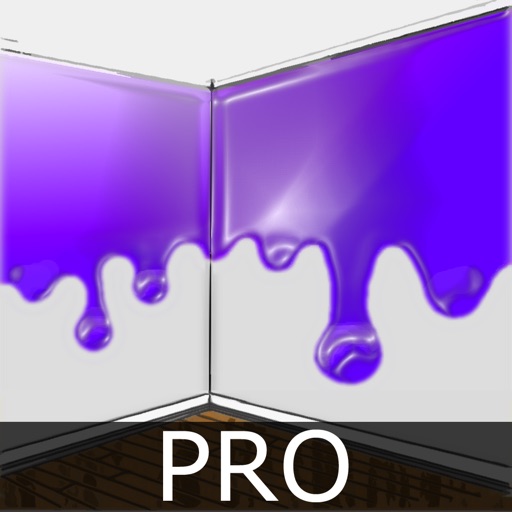
The app allows users to virtually paint walls on a photo using their finger. Users can explore different color options for interiors before actual painting and share their creations.
Control screen brightness and temperature with RGB customization. Adjust hue, saturation, and brightness for precise lighting. Use as a , night light, or ambient lighting. Set custom profiles and brightness levels. Share settings with others.