Play tap-based games with 300 mini games and more added regularly. Customize game settings, choose themes, and use music and color options. Share achievements socially. Use , guitar, drum, and dubstep instruments. Suitable for all ages.
Explore , , and progressions with interactive virtual and staff notation. Play ascending, descending, and harmonically. Adjust root notes and inversions. Compose songs by arranging and .
Learn guitar, piano, and other instruments through structured . Track progress with practice logs and performance reviews. Access teacher feedback and join community forums for support and collaboration. Share recordings and receive critiques.
Tap on black in sync with music to score points. Avoid white to keep playing. Choose from classical, pop, hip-hop, and remix tracks. Adjust volume and sound quality. Track progress and replay levels. Share scores with friends.
Run through dynamic environments while syncing movement to . Collect power-ups and avoid obstacles. Customize cat characters and unlock new levels. Compete in leaderboards and share achievements.
And find chords based on the circle of fifths. Learn scales and chord progressions. Identify compatible chords within a key. Set and track musical goals. Sync with instruments and export progressions.
Play by tapping cat to produce sounds and follow music rhythms. Select different songs and melodies. Customize cat appearances and backgrounds. Track progress and unlock new levels and themes. Share achievements and screenshots.
The app identifies chords by selecting two or more notes. It offers extensive chord databases and allows users to hear chords played as block chords or arpeggios.
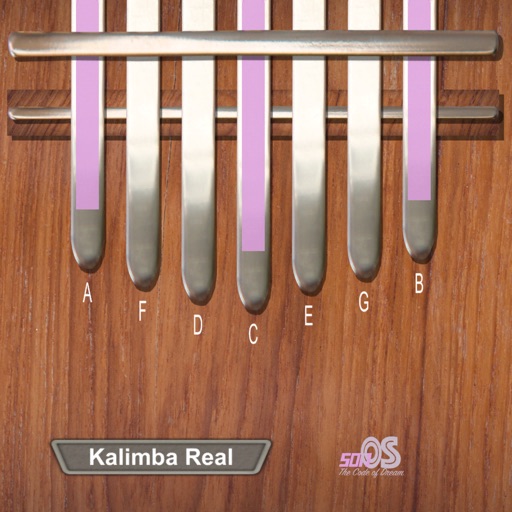
Learn with interactive keys and real-time note insights. Practice with fun recognition challenges. View visual representations of sound, rhythm, and notes. Sync progress across devices.
Learn and relative through interactive exercises. Identify double-stop notes using just intonation. Practice chord recognition and matching. Track progress with in- feedback and repetition. Sync with music libraries for real-time comparison.
Create progressions and loop them in sync with other apps. Trigger chords via MIDI footswitch. Explore music theory and harmonies. Save and share progressions. Sync with Apple Health.
Create by sliding fingers on a play pad to record and adjust drum , melodies, and bass lines. Edit tracks in real time and export audio files for sharing or further use.
The app allows users to create and edit melodies using a line-drawing mechanic. Users connect characters representing musical notes, with the drawn lines forming melodies that are governed by musical rules.
Create and save progressions with visual feedback. Trigger chords via MIDI footswitch. Sync progressions with other apps. Learn relationships and scales. Play chords on an on-screen piano keyboard. Use pads to organize and access saved chords.