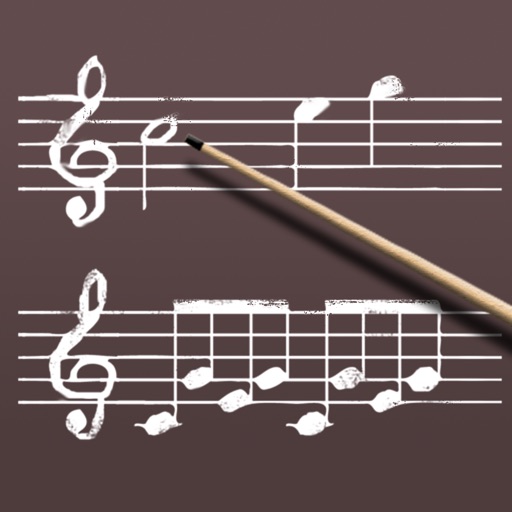
Create rhythmic patterns with triplets, dotted notes, and custom time signatures. Set subdivisions per beat. Save setups in setlists. Use Coach and Automator modes for timing practice. Adjust tempo and display options. Export patterns for later use.
Play offline with hand-crafted levels based on well-known song melodies. Tap notes in time to progress through stages. Customize character appearance and unlock new tracks. Compete in leaderboards and replay previous sessions.
Tiles fall in sync with ; tap and hold to match rhythm. Avoid missing tiles to score points. Select from various songs and scenes. Adjust volume and use headphones for immersive sound. Track progress and replay levels.
Play piano-style covers of K-POP songs by tapping . Complete songs to increase speed. Resist longer to earn higher rewards. Use special like long notes and bonus blocks. Track progress through increasing difficulty and rewards.
Play with DJ-style controls. Double-tap to start songs. Swipe to add or remove tracks from the playlist. Customize the main screen with a custom title. Automate voice-over announcements. Manage playlists and queue songs from a library.
Play music files in formats like MP3, FLAC, and WAV. Create and manage playlists. Adjust equalizer settings and control playback speed. Use audio bookmarks and set sleep timers. Stream to Apple TV, Chromecast, and Sonos.
Create piano videos by adding real video footage and customizing with particles, lights, and 3 visualization styles. Edit MIDI files, choose music colors, and render in 4K. Sync with keyboard saber and export final videos.
Practice musical and chord recognition with customizable exercises. Select difficulty levels from beginner to advanced. Track progress and receive recommendations for targeted skill development. Sync with Apple Health to monitor practice sessions.