Store and organize photos with monthly themed story boxes. Print 4”x4” lustre photos with free white borders. Add captions to document context. Subscribe for monthly deliveries or close boxes anytime.
Customize phone interface with desktop , charging animations, and wallpapers. Select from various widget types. Adjust layouts and themes to personalize appearance. Share custom designs with others.
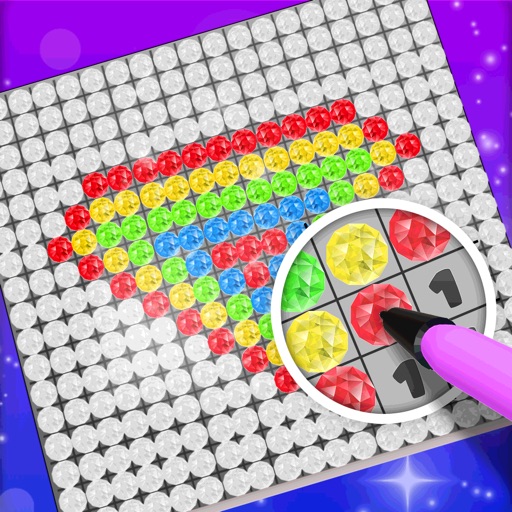
Choose a 3D model to color. Select colors and apply them to specific areas of the model. Tap to place diamonds in designated spots. Complete the artwork by filling all sections. Save or share finished creations. Adjust settings for lighting and zoom.
And cut projects using connected Explore or Maker machines. Access a library of images, fonts, and projects. Sync designs across devices via cloud. Use SnapMat™ to maximize material usage. Edit and arrange graphics for customization.
Create and edit 3D models using 25 built-in primitive shapes. Import and export models in various formats. Adjust geometry with precision tools. View models in 3D and 2D perspectives. Add textures and materials for realistic rendering.
Create and customize rooms in 2D floor plans. Add and adjust room properties. Drag and drop furniture, doors, and windows from organized categories. Edit objects and arrange layouts. Save and export designs. Limitations on object count apply.
Remove duplicate and similar and videos. Clean up screenshots and organize files. Delete unwanted items with swipe gestures. Move content to custom albums. Store data locally for privacy and security. Free up iPhone storage space.
Edit photos and videos with hairline matting for precise background removal. Erase unwanted people from images. Apply artistic filters and templates. Create greeting cards, memes, and ID photos. Export edited content in various formats.
Create handwritten notes and drawings with customizable brushes and erasers. Use vector tools for precise shapes and annotations. Add text, highlights, and special line effects. Save and organize digital sketches and journal entries.
Create visual content using AI-generated art. Upload photos to animate them with live effects. Customize styles and colors. Export and share finished artwork directly.
Edit photos and videos with AI retouch for detailed skin enhancement and blemish removal. Adjust lighting, color, and composition. Add text, stickers, and filters. Export in various formats and share directly.