Learn and practice , ukulele, bass, and drum and . Access over a million songs offline. Browse history, autoscroll, transpose , and view diagrams with multiple variations. Create and save custom songs. Print and share .
Create and share projects. Engage in Q&A about instruments, gear, and songwriting. Access real reviews and unbox videos from YouTubers and influencers. Communicate with musicians and creators. Collaborate on and exchange feedback.
Write ideas using a chord keyboard with automatic chord detection. View guitar chord diagrams. Transpose keys or use capo for tuning. Import memos from cloud or other apps. Share notes through various methods.
Guitars, basses, and ukuleles using the device's built-in microphone. Identify and adjust each string's pitch. Provides visual feedback for accurate tuning. Supports acoustic and electric instruments. Suitable for beginners.
The app provides a library of chord diagrams for guitar, ukulele, banjo, and mandolin. Users can look up and learn chords with fingerings and variations, and hear how they sound on their selected instrument.
The app guesses the beats, chords, and key of songs from a user's music collection. It helps musicians learn songs by breaking them down into individual parts.
Access guitar tabs and chords in Spanish from .net. Browse over 130,000 songs from Spanish, US, and Latin American artists. Create and manage playlists. Access content offline. Backup and retrieve favorites remotely. Sync across devices.
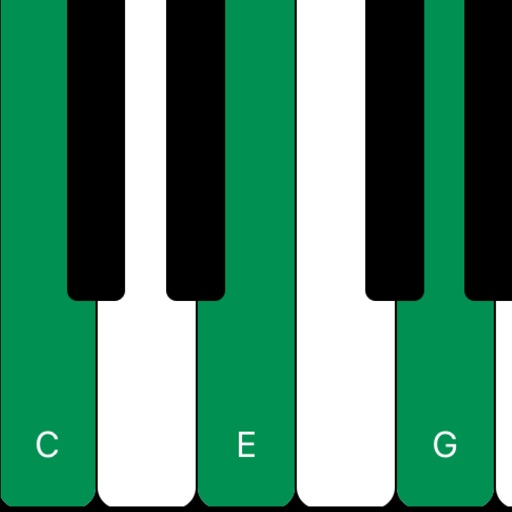
View chords in augmented reality on a piano. See finger placements for over 130 chords. Play chords by touching the piano keys. Adjust settings and save custom configurations.
Practice musical notes with adjustable pitch and octave selection. Choose difficulty levels from easy to expert. Use reference pitches in practice mode. Transpose notes to different keys. View note names, piano keys, or solfege.
Learn and practice music intervals, scales, modes, chords, and cadences. Play back examples to understand sounds. Practice with melodic or harmonic exercises. Receive feedback on accuracy. Track progress over time.
Create and edit progressions with inversions, sus2, sus4, 7th, and 9th chords. Play chords as piano or synth or send MIDI to macOS. Use phone as MIDI keyboard for macOS. Practice reading musical notation.
Play multiple instruments simultaneously using MIDI Polyphonic Expression. Access 8 layouts with multiple rows and octaves. Choose from 15+ scales. Use a powerful arpeggiator. Operate as a standalone device with multiple keyboards.
Create progressions and loop them in sync with other apps. Trigger chords via MIDI footswitch. Explore music theory and harmonies. Save and share progressions. Sync with Apple Health.