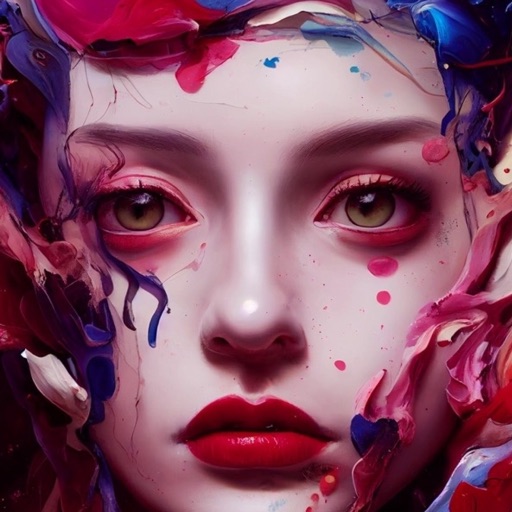
Generate AI art based on text prompts using Stable Diffusion models. Adjust styles, techniques, and parameters to refine the output. Edit generated images by adding details or modifying prompts for more accurate results.
Reduce image noise in RAW photos using local processing to maintain natural tones and details. Edit noise reduction settings and preview results in real time. Export processed images for use in HDR-compatible devices.
Extract colors from photos or camera snapshots. Pan, pinch, and zoom to select areas. View RGB, HEX, CMYK, HSB, and LAB values. Access complementary and Pantone schemes. Export information.
Generate images from text inputs using AI technology. Create anime and live-action style images. Use for designing icons, creative projects, and design materials. Export and share generated images directly.
Edit laser marking documents with text and vector image tools. Perform actions like move, zoom, rotate, align, and fill. Download vector graphics from the cloud. Transfer edited files to a device via LAN.
Securely store and manage private photos and videos with password protection. Create and organize albums. Import and export photos. Enable guest mode for shared access. Disguise icon and replace with calculator. Protect secret diary entries.
Edit photos by flipping vertically or horizontally, resizing, and rotating. Adjust orientation and images for upload. Compare edited photos with originals in single mode. Batch edit multiple images at once.
Create social posts with templates and editing tools for Instagram, Facebook, LinkedIn, Twitter, and TikTok. square or story-sized content, add text and graphics, and export directly to platforms. No skills required.
Create labels with text, images, and barcodes. Open sample labels and save to files. Print labels using Seiko Instruments printers via wireless LAN or Bluetooth.
Convert handwritten notes or whiteboard sketches into editable diagrams. Create professional visuals using AI-powered tools. Access 40,000+ templates for flowcharts, org charts, and project plans. Edit diagrams with drag-and-drop elements.