Create art by following numbered grids. Choose from pre-designed images or generate custom designs using AI. Adjust colors and save projects. Share artwork directly or export in various formats.
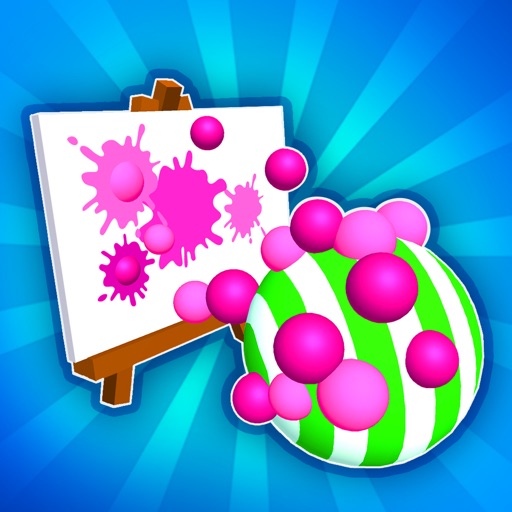
Move a with finger gestures to collect and mix color spheres. Paint on a by arranging colors. Adjust brush size and opacity. Save and share artwork directly.
Create artwork using vibrant neon colors and glowing brushes. Draw on a large canvas with sketch tools. Adjust effects and export designs in various formats.
Solve maze puzzles by swiping to paint paths and navigate levels. Use color to unlock routes and progress through increasingly complex challenges. Track progress and revisit completed levels for replay.
Learn preschool concepts through interactive ABC . Trace letters in space, use alphabet flashcards, and spell names. Explore grooming activities to style animals with hairstyles, collars, and hats.
Create digital artwork with realistic painting and drawing tools. Use exclusive brushes mimicking real-world art mediums. Simulate fluid watercolor effects. Adjust brush settings for precision. Export artwork in various formats.
Prepare wooden boards by sanding them. Carve designs using a virtual tool. the carved surfaces with various colors. Save and share completed artwork. Adjust carving and painting details for precision.
Create custom images by adding photos as backgrounds. Touch to draw dots and customize designs. Save creations and share via social media or messaging.
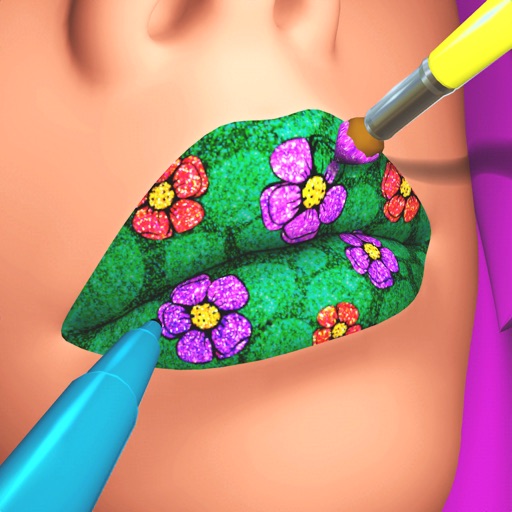
Create custom lip art using lipsticks, brushes, gloss, glitter, sequins, and rhinestones. Design unique lip art styles and share creations. View and compare user-generated designs. Track likes and engagement metrics.
Customize cases with painting and acrylic art tools. Choose colors and patterns to design unique cases. View designs in 3D and share creations with others.
Create intricate tessellations and mandalas using 20 symmetry options. Draw with customizable colors and patterns. Adjust symmetry settings to design complex shapes. Save and export artwork in various formats. Share creations directly from the .
The app offers over 20 magical brushes for users of all ages to create doodle artwork. Users can save their paintings in a gallery, play them back as animations, and share them with others.
Create 3D toys by choosing shape, color, and texture. Rotate models while . Save unique designs. Paint endless color options. Enjoy interactive squishing experience. Share creations with others.
Coloring by numbers lets users select images and fill in colors to create artwork. Features include choosing from themed pictures like travel, animals, and mandalas. Users can paint directly on the canvas and save their work.
Turn photos into paintings with one-tap conversion. Edit, add signatures, and share on social media. Print artwork via CanvasPop with frame and size options. Transform videos into animated paintings.
Create drawings by combining different art styles. Divide images into sections and apply unique styles to each part. Mix and match colors and patterns to design custom artwork. Save and share completed creations.