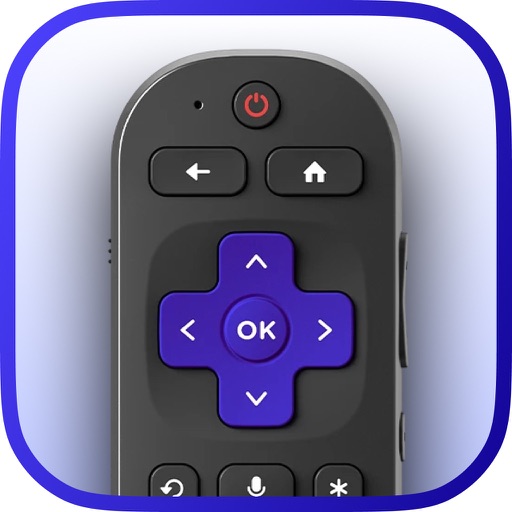
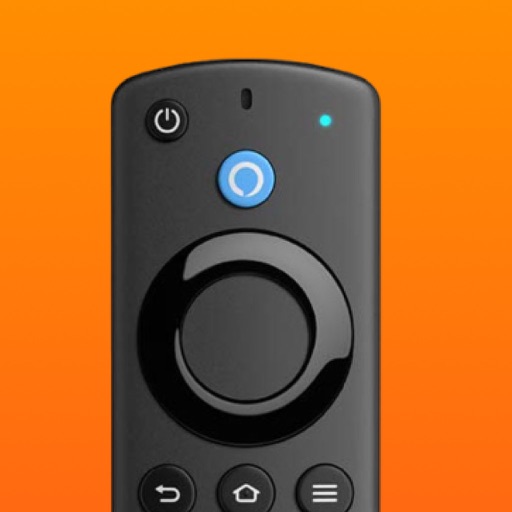
TV functions remotely from an iPhone. Open apps and channels quickly. Adjust volume and brightness. Navigate menus and access settings. Duplicate traditional remote features for easy management.
Control TV with full functions for channel surfing, volume adjustment, and power management. Cast videos, music, and photos to the TV via Wi-Fi. Connect quickly with an intuitive interface for straightforward navigation.
Control devices and compatible TVs with Siri voice commands. Open apps, mute, or power off devices using voice. Integrate with Shortcuts for automation. Manage device settings and access content directly.
Your TV using gyroscope gestures for channel changes and volume adjustments. Use voice commands to operate the TV hands-free. Ask for a movie recommendation based on your mood. Access streaming apps directly from the interface.
Control your TV using a phone as a . Select your TV brand and connect quickly. Access buttons for power, volume, and channel control. Manage multiple devices and save custom layouts. Replace physical remotes with a digital solution.
Your TV with full functionality: power on/off, adjust volume, mute, and navigate menus using a D-Pad. Support LG, Samsung, Roku, Sony, TCL, Hisense, and Philips TVs. Replace lost remotes with one .
Your TV with your phone. Power on/off, adjust volume, change channels, and search for shows. Cast content from your phone to the TV. Connect via Wi-Fi for Smart TVs or use IR for compatibility.
Control your TV with an iOS device as a universal . Adjust volume, change channels, and navigate menus. Support multiple brands with expanding compatibility. Simplify TV operations without physical .
The app turns a phone into a wireless mouse, keyboard, and trackpad for a computer. It allows control of a PC, Mac, or Linux device over a local network connection, offering features like remote media control and file browsing.