Apps Like Water Eject: Speaker Cleaner・ for iPhone and iPad
Eject with sound vibrations
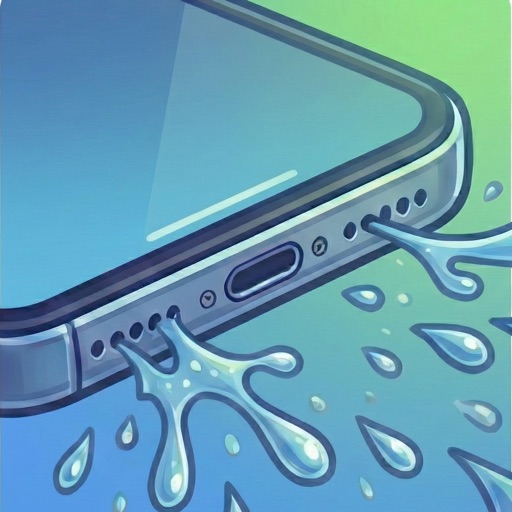
Clear8 uses sound frequencies to remove trapped from iPhone speakers. Tap to eject droplets and restore volume. Check health and run maintenance tests to ensure optimal audio performance.
by Vishal Makwana★ 4.957 ratingsUtilitiesFreeData updated 2026-09-06
Test and improve device sound quality with frequency analysis and equalizer settings. Clean speakers and remove trapped or dust. Adjust audio output for clearer sound and better microphone performance.
Clean phone speakers by using variable frequencies and vibration to remove . Dry out damaged speakers and restore sound quality. Perform maintenance checks and monitor speaker health.
Use the speaker removal feature to play specific sounds that help eliminate the speaker. Create custom tones with the frequency generator. Measure sound levels in decibels and detect dominant frequencies using the built-in meter.
Manage Bluetooth connections and access features like auto-off timer, volume control, and battery status. Control multiple devices simultaneously. Share music with another pair of wireless headphones for synchronized listening and real-time DJing.
Connect to compatible JBL speakers for stereo pairing or party mode. Control playback and volume directly from the . Access equalizer settings and firmware updates. Manage speaker settings and battery status.
Remove from speakers using sound waves. Measure decibel levels to monitor volume. Display neighbor's audio output for visibility. Offer ad-free operation for uninterrupted use.
Generates tones between 0 Hz and 25 kHz to remove dust and from speakers. Users can manually set frequencies and adjust cleaning duration. It tests performance and clears debris for improved audio quality.
Generate sound waves and customize audio frequencies
Create and visualize sound waves with frequency control from 0Hz to 22,000Hz. Measure decibels to assess noise levels. Emit ultrasonic frequencies to deter insects. Toggle between light and dark interface themes.
Control cleaning with adjustable frequency settings and volume levels. Select specific speakers for targeted cleaning. Monitor progress and adjust settings for optimal results.
Test speaker performance with frequency-based testing. using targeted sound waves. Clean debris with vibration modes. Monitor audio quality and receive feedback on speaker health. Share results and reset settings for optimal sound output.