Create and organize links for easy access. Save links from the share sheet. Cache data and reader view for offline reading. Access saved links across devices. Sync notes and bookmarks securely.
by Linkwarden Inc.★ 5.05 ratingsProductivityFreeData updated 2026-09-06
View web pages and documents in a readable format with one tap. Highlight and comment on articles. Save articles for offline access. Search and organize saved content. Find text within articles. Share highlights as HTML or text.
Access and share flipbook documents on mobile devices. Create trackable links for one-to-one sharing. Download and view documents offline. Receive push notifications when documents are opened. Track views, clicks, and reading time.
Create a single to share multiple websites, shops, blogs, social posts, videos, and other content. Users can customize the to direct followers to their favorite pages. Share links across platforms and track click activity.
Take notes, bullet journal, and annotate documents with pen gestures. Capture images and text from textbooks. Edit and organize study notes. Sync across Apple devices. Export notes in multiple formats.
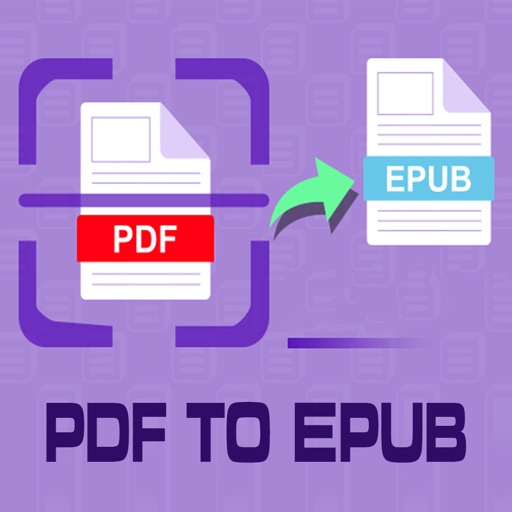
Convert PDF files to format for mobile reading. Edit text, adjust fonts, and customize margins. Export as and share or save to device. Supports iPad, iPhone, and ebook readers.
Create maps for note-taking, idea organization, and task planning. Add text, links, and images. Sync files across devices using cloud storage. Share maps and collaborate in real time. Set reminders and manage projects with timelines.
Send text, files, links, and media between devices. Copy and paste content across platforms. Transfer media to other devices for access. Sync content seamlessly across different ecosystems.
The app downloads websites by copying files and duplicating the site's directory structure. It localizes pages for offline browsing and saves settings for repeated downloads.
Take notes with voice-to-text transcription and auto-summarization. Convert spoken words into text in real time. Edit, organize, and share notes. Generate meeting summaries and highlight key points. Sync across devices and access notes offline.
Convert written articles or documents into podcasts for easy listening. Paste links or drag-and-drop files to generate audio. Save podcasts to the library or download for offline playback. Listen during commutes, workouts, or free time.
The app saves web pages to a Diigo account, syncing them across devices for access anytime. Users can annotate pages with highlights and sticky notes, and share bookmarks with annotations via email or IM.
Manage customer interactions by updating notes, tasks, and attachments. Access sales and service records offline. Sync data across devices. Track progress with customizable dashboards. Generate reports and manage leads.
Create and manage databases, inventories, collections, and item lists. Use built-in templates to customize data structures. Search for information quickly. Sync across iPhone and iPad with a single purchase.
Take notes, organize tasks, and manage lists across devices. Sync notes between computer, tablet, and mobile. Encrypt notes with XChaCha20-Poly1305 and Argon2 for privacy. Access notes from any device without account requirements.
Record audio and save files without limits. Transcribe speech into text and translate in over 100 languages. Generate structured notes, summaries, quizzes, and flashcards using AI. Organize recordings into folders and access them across devices.
Allows users to save tasks, ideas, and reminders for future action. Create and organize lists, set reminders, and view notes. Sync across devices and access entries from anywhere.
Securely store and manage private notes with encryption and passcode protection. Set custom access permissions for specific notes. Lock notes individually and receive alerts for unauthorized access attempts.
Calendar allows viewing by month, week, or day with iCloud and Google Calendar sync. Add memos, links, and maps to events. Supports recurring events and templates. Includes widgets for quick access. Adjust text size and font style.
Manage a personal with quick book additions and barcode scanning. Organize books using tags and track reading progress with page tracking and history. Add notes, reviews, and view reading stats. Sync data across devices using iCloud.