Questions by uploading or snapping a photo. Receive step-by-step explanations for multiple choice, word-based, diagram, or math-related queries. View detailed solutions and guidance.
View schedules as timelines with fluid navigation and contextual views. Edit calendars intuitively with enhanced tools. Suggest and vote on new features. Customize themes and fonts for personalized appearance.
Create 3D designs and view them in a home environment. Generate DIY plans for easy construction. Share designs with others. Supports English and French.
Create diagrams such as flowcharts, mind maps, and floor plans. Use a rich shape library with preloaded templates. Drag and drop shapes to build diagrams. Support for multiple diagram types including UML and data flow diagrams.
The app offers features for form completion, including autocomplete dropdowns, photo and diagram additions, and signature capture. It allows saving unfinished reports and reloading them later, with options for user branding and offline use.
Generate images and videos in various artistic styles, including emotions and art movements. Visualize personal goals through interactive Wish Map features. Create custom comic books with sequential panels.
Create structured with multi-level document management and color tags for quick highlights. Add password protection for secure notes. Sync across Mac, iPhone, and iPad using iCloud. Share documents and use intuitive gestures for editing.
Create professional-looking presentations with customizable templates. Add text, images, and animations. Edit slides, update content, and share presentations online or via email. Export in various formats for viewing and printing.
Create presentations by describing topics, generating slides with visuals and structured content. Edit documents with AI-powered suggestions. Organize tasks with intelligent scheduling. Convert text to speech and vice versa.
Create 3D designs using AI. Upload photos to scan existing spaces. Experiment with layouts, cabinetry, countertops, and backsplashes. Adjust lighting and color schemes. Save and share concepts. Generate detailed material lists.
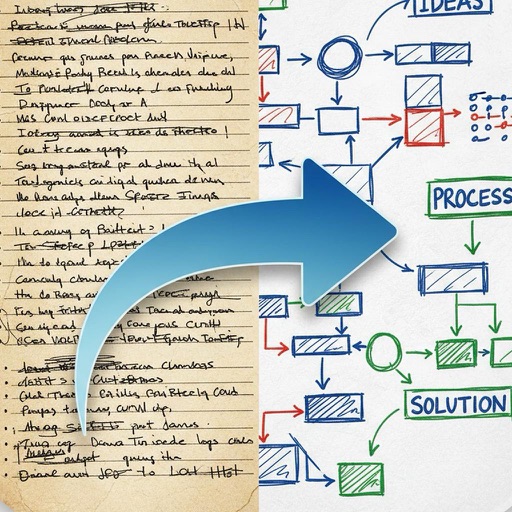
Create and organize notes with a freeform canvas for sketching, annotating PDFs, and journaling. Use AI to generate text from handwriting, search notes by content, and structure ideas with tags and folders.
Create AR price tags using customizable templates. Apply special effects like sparkle, fire, and snow to videos. Share AR videos on Snapchat, Instagram, WhatsApp, and private messages. Adjust object size with pan gestures.
Track electrical work with real-time cloud access. Log tasks, manage schedules, and generate reports. Conduct infrared scans for efficiency. Sync with NETA standards. Reduce paperwork and improve service reliability.
Scan documents and save as PDF, JPG, or TXT. Use OCR to extract text from images. Share scanned files directly. Convert scanned text into editable formats. Organize and manage scanned documents within the .