Apps Like Scribble Board – Freehand for iPhone and iPad
Draw, erase, and share instantly
Draw and sketch with pen, eraser, or lasso tools. Adjust pen thickness and color. Change canvas background color. Zoom and pan the canvas. Save and share drawings in one step.
Design tags with customizable markers and nib shapes. Choose from various stroke sensitivities and color options. Save creations with one click. Create personalized street art and tags.
Create art with step-by-step drawing guides. Choose from categories like freestyle, hip-hop, and old-school. View styles in list or grid format. Save and share completed artwork. Adjust colors and brush sizes for customization.
Draw and animate shapes, words, or objects with touch or drag gestures. Create dynamic, physics-based animations with varying strokes and speed. Save or share artwork. View sample art displays.
Create and colors on a canvas to solve puzzles. Fill squares to complete paintings. Choose colors to mix and adjust hues. Complete levels with increasing difficulty. Enjoy calming gameplay and artistic challenges.
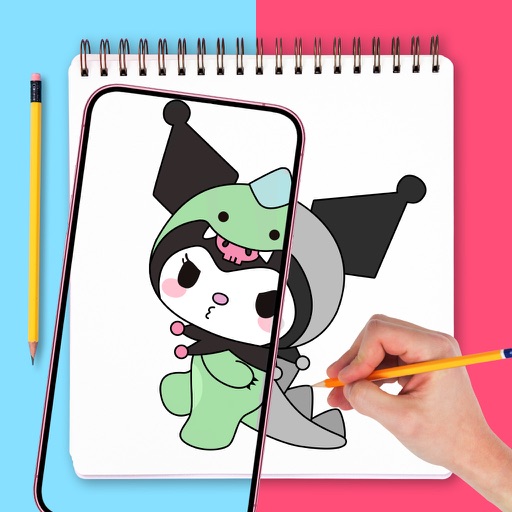
Use augmented reality to and images from photos or the camera. Draw on paper with a pencil using phone support. Convert photos into drawings. Save and share artwork.
Add frames to screenshots and screencasts for a more natural appearance. Save projects for later editing or sharing with colleagues. Import photos and videos. Adjust canvas size using 720p, 1080p, or 4k templates.
VectorPaint allows users to create illustrations with paths, compound paths, text, images, groups, masks, and gradient fills. It supports unlimited layers and exports to SVG or PDF via . Users can select, scale, and manipulate objects efficiently.
The app offers a fullscreen workspace with support for device orientation and multiple canvas sizes. It includes 145 brush markers, layers, zoom functionality, and brush configuration saving.
Explore styles including tribal, skulls, fonts, flowers, henna, minimalist, and wolves. Select designs from list view or search. Create custom tattoos by adding elements and adjusting placement. Save and share finished designs.
Use augmented reality to draw on any surface. Trace outlines, adjust colors, and add textures. Save and share drawings. Access tutorials for beginners. Export in various formats.