Create and play music by drawing shapes and triggering sounds. View visual feedback as music plays. Access 88 instruments organized into 22 groups. Use in- purchases for full features. Sync with Apple Health.
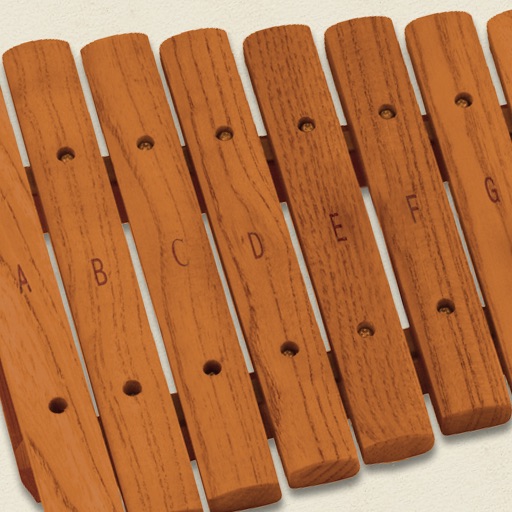
The app simulates a marimba, a percussion instrument with wooden keys arranged like a piano. It produces musical tones when struck with mallets, offering a chromatic layout for performers.
Search for songs on YouTube and generate real-time chords. Choose between AI Chord, AI Simply Chord, Standard Chord, or Standard Simply Chord. View chord diagrams and practice playing along with the selected song.
Learn musical intervals and note identification through structured exercises. Practice pitch matching, interval recognition, and melody replication. Track progress with detailed feedback and adjust difficulty as skills improve.
Learn to identify intervals by associating them with melodies from popular songs. Receive immediate feedback after each guess. Incorrect answers trigger a melody starting with the correct .
Identify beats 1 to 8 using audio fingerprinting. Visualize real-time rhythm and timing. Sync with audio to practice precise dance steps. Track progress and adjust timing based on detected beats.
Provides chord charts and a chord selector for guitarists. It includes all 28 modes with visual representations of each mode’s unique shape. Users can explore and modes for practice and reference.
The app transforms an iOS device into a command center for jamming, recording, and learning music. It records audio, allows independent volume adjustment of playback and backing music, and exports mixes to WAV files.
The app allows users to explore scales beyond equal temperament. Users can tune individual keys, access presets of various scales, and save custom tunings.
Play virtual accordion with a three-row fingerboard that mimics the traditional instrument's layout. Practice chord combinations, scales, and songs in five key combinations. Choose from color options to customize the interface.